Apple just dropped the iPhone 17 lineup on September 9, 2025, and if you're clutching your iPhone 16 wondering whether to upgrade, that’s understandable. With pre-orders starting September 12 and devices hitting stores September 19, the timing pressure is real. But after just one year, is the iPhone 17 worth the jump? Let's break down everything you need to know to make the smartest decision for your wallet and your daily use.
What's Actually Changed
Display Revolution Finally Arrives
The most significant upgrade in the iPhone 17 is something Pro users have enjoyed for years: 120Hz ProMotion technology. The iPhone 17 features a 6.3-inch display with ProMotion, up from the iPhone 16's 6.1-inch screen, while the iPhone 16 and iPhone 16 Plus continue to offer 60Hz refresh rates.
Why this matters: If you've ever used a Pro iPhone or high-end Android phone, going back to 60Hz feels sluggish. The 120Hz display makes scrolling buttery smooth, gaming more responsive, and overall interaction more premium. This alone might justify the upgrade for many users.
Storage Value Proposition Gets Better
Here's where Apple sweetened the deal: the iPhone 17 starts at $799 with 256GB storage, which is double the previous base storage, while the iPhone 16 starts at $799 for the 128GB model. You're getting twice the storage for the same starting price – that's real value.
Chip Progression
The iPhone 17 runs on the new A19 chip for improved performance, while the iPhone 16 features the A18 chip, built on second-gen 3nm technology. This represents a one-generation jump, which typically means 10-15% performance improvements.
Apple Intelligence Reality Check
Both phones support Apple Intelligence, but the iPhone 16 is already well-equipped. With iOS 18.2, iPhone 16 users have ChatGPT integration for Siri, Visual Intelligence features, Genmoji, Image Playground app for AI image generation, and Image Wand. The iPhone 17's AI improvements are evolutionary, not revolutionary.
If you bought your iPhone 16 for AI features, you're already well-served.
Camera System Upgrades
iPhone 17 Camera Improvements
The iPhone 17 features a 48MP Dual Fusion camera system with an optical-quality 2x Telephoto and a new 48MP Fusion Ultra Wide camera that captures macro photography in more detail. Plus, the innovative Center Stage front camera takes selfies to the next level.
iPhone 16 Current Capabilities
The iPhone 16 features a 48-megapixel Fusion wide-angle lens and 12-megapixel ultra-wide lens, with improved Photographic Styles for real-time lighting and color adjustments. It also includes the Camera Control button for quick camera access with force sensor and touch sensor for gesture support.
The verdict: The iPhone 17's camera upgrades are solid, especially for macro photography enthusiasts, but the iPhone 16's system is already excellent for most users.
Battery Life
The iPhone 17's battery capacity grew from 3,561 mAh on the iPhone 16 to 3,692 mAh on the 17 – that's a 4 percent increase. While the iPhone 16 already supports up to 22 hours of video playback with battery lasting up to two hours longer than iPhone 15, every bit of extra battery life helps.
Expect maybe 30-60 minutes of additional daily use, helpful but not exceptional.
Design & Durability Improvements
iPhone 17 Enhancements
The iPhone 17 features new Ceramic Shield 2, with the front cover being tougher than any smartphone glass with 3x better scratch resistance than the previous generation and reduced glare. New colors include lavender, mist blue, black, white, and sage.
iPhone 16 Design
The iPhone 16 has an all-glass front and colorful matte glass back framed by color-matched aluminum, available in black, white, teal, pink, and ultramarine.
The improvements are nice-to-have rather than must-have upgrades.
Who Should Upgrade?
Upgrade to iPhone 17 if you:
Crave smooth displays: The 120Hz ProMotion is the single biggest upgrade
Need more storage: 256GB base storage vs 128GB is genuinely valuable
Are a photography enthusiast: Better macro capabilities and Center Stage front camera
Want latest and greatest: You upgrade annually anyway
Have an older trade-in: Good trade-in value can offset costs
Stay with iPhone 16 if you:
Recently purchased: Bought within the last 6 months
Happy with 60Hz: Don't notice or care about display refresh rates
Budget-conscious: Trade-in values may not justify the cost
Satisfied with current features: iPhone 16 AI and camera already excellent
You want the breakthrough iPhone Air design that's impossibly thin and light at just 5.6mm thick, though it costs $999 versus the iPhone 17's $799 starting price.
Cost Analysis
Trade-In Mathematics
Apple offers $200 to $700 in credits when trading in iPhone 13 or newer, with carrier deals providing up to $1,100 in credits. However, your iPhone 16 has depreciated significantly after just one year.
Example calculation:
iPhone 17 (256GB): $799
iPhone 16 trade-in value: ~$500-600
Net upgrade cost: $200-300
Alternative strategy: Sell your iPhone 16 privately for potentially $50-100 more than trade-in value.
The iPhone 17's 120Hz ProMotion display and doubled base storage make it a compelling upgrade, but the decision hinges on your priorities and timing.
If you're a display quality enthusiast who notices the difference between 60Hz and 120Hz, the upgrade is probably worth it. If you're a practical user who bought the iPhone 16 within the last six months, you're better off waiting for the iPhone 18, which will likely bring more significant changes.
The sweet spot: iPhone 14 or older users should definitely consider jumping to the iPhone 17. iPhone 15 users have a reasonable case for upgrading. iPhone 16 users should think carefully about whether the display and storage improvements justify the cost.
Remember, with Apple's predictable annual release cycle, there will always be something better around the corner. The iPhone 17 is a solid incremental upgrade, but it's not revolutionary enough to make iPhone 16 users feel like they're missing out on essential features. If you're on the fence, visit an Apple Store to experience the 120Hz ProMotion display firsthand. For many users, that hands-on experience will make the decision clear one way or the other.

Apple just dropped the iPhone 17 lineup on September 9, 2025, and if you're clutching your iPhone 16 wondering whether to upgrade, that’s understandable. With pre-orders starting September 12 and devices hitting stores September 19, the timing pressure is real. But after just one year, is the iPhone 17 worth the jump? Let's break down everything you need to know to make the smartest decision for your wallet and your daily use.
What's Actually Changed
Display Revolution Finally Arrives
The most significant upgrade in the iPhone 17 is something Pro users have enjoyed for years: 120Hz ProMotion technology. The iPhone 17 features a 6.3-inch display with ProMotion, up from the iPhone 16's 6.1-inch screen, while the iPhone 16 and iPhone 16 Plus continue to offer 60Hz refresh rates.
Why this matters: If you've ever used a Pro iPhone or high-end Android phone, going back to 60Hz feels sluggish. The 120Hz display makes scrolling buttery smooth, gaming more responsive, and overall interaction more premium. This alone might justify the upgrade for many users.
Storage Value Proposition Gets Better
Here's where Apple sweetened the deal: the iPhone 17 starts at $799 with 256GB storage, which is double the previous base storage, while the iPhone 16 starts at $799 for the 128GB model. You're getting twice the storage for the same starting price – that's real value.
Chip Progression
The iPhone 17 runs on the new A19 chip for improved performance, while the iPhone 16 features the A18 chip, built on second-gen 3nm technology. This represents a one-generation jump, which typically means 10-15% performance improvements.
Apple Intelligence Reality Check
Both phones support Apple Intelligence, but the iPhone 16 is already well-equipped. With iOS 18.2, iPhone 16 users have ChatGPT integration for Siri, Visual Intelligence features, Genmoji, Image Playground app for AI image generation, and Image Wand. The iPhone 17's AI improvements are evolutionary, not revolutionary.
If you bought your iPhone 16 for AI features, you're already well-served.
Camera System Upgrades
iPhone 17 Camera Improvements
The iPhone 17 features a 48MP Dual Fusion camera system with an optical-quality 2x Telephoto and a new 48MP Fusion Ultra Wide camera that captures macro photography in more detail. Plus, the innovative Center Stage front camera takes selfies to the next level.
iPhone 16 Current Capabilities
The iPhone 16 features a 48-megapixel Fusion wide-angle lens and 12-megapixel ultra-wide lens, with improved Photographic Styles for real-time lighting and color adjustments. It also includes the Camera Control button for quick camera access with force sensor and touch sensor for gesture support.
The verdict: The iPhone 17's camera upgrades are solid, especially for macro photography enthusiasts, but the iPhone 16's system is already excellent for most users.
Battery Life
The iPhone 17's battery capacity grew from 3,561 mAh on the iPhone 16 to 3,692 mAh on the 17 – that's a 4 percent increase. While the iPhone 16 already supports up to 22 hours of video playback with battery lasting up to two hours longer than iPhone 15, every bit of extra battery life helps.
Expect maybe 30-60 minutes of additional daily use, helpful but not exceptional.
Design & Durability Improvements
iPhone 17 Enhancements
The iPhone 17 features new Ceramic Shield 2, with the front cover being tougher than any smartphone glass with 3x better scratch resistance than the previous generation and reduced glare. New colors include lavender, mist blue, black, white, and sage.
iPhone 16 Design
The iPhone 16 has an all-glass front and colorful matte glass back framed by color-matched aluminum, available in black, white, teal, pink, and ultramarine.
The improvements are nice-to-have rather than must-have upgrades.
Who Should Upgrade?
Upgrade to iPhone 17 if you:
Crave smooth displays: The 120Hz ProMotion is the single biggest upgrade
Need more storage: 256GB base storage vs 128GB is genuinely valuable
Are a photography enthusiast: Better macro capabilities and Center Stage front camera
Want latest and greatest: You upgrade annually anyway
Have an older trade-in: Good trade-in value can offset costs
Stay with iPhone 16 if you:
Recently purchased: Bought within the last 6 months
Happy with 60Hz: Don't notice or care about display refresh rates
Budget-conscious: Trade-in values may not justify the cost
Satisfied with current features: iPhone 16 AI and camera already excellent
You want the breakthrough iPhone Air design that's impossibly thin and light at just 5.6mm thick, though it costs $999 versus the iPhone 17's $799 starting price.
Cost Analysis
Trade-In Mathematics
Apple offers $200 to $700 in credits when trading in iPhone 13 or newer, with carrier deals providing up to $1,100 in credits. However, your iPhone 16 has depreciated significantly after just one year.
Example calculation:
iPhone 17 (256GB): $799
iPhone 16 trade-in value: ~$500-600
Net upgrade cost: $200-300
Alternative strategy: Sell your iPhone 16 privately for potentially $50-100 more than trade-in value.
The iPhone 17's 120Hz ProMotion display and doubled base storage make it a compelling upgrade, but the decision hinges on your priorities and timing.
If you're a display quality enthusiast who notices the difference between 60Hz and 120Hz, the upgrade is probably worth it. If you're a practical user who bought the iPhone 16 within the last six months, you're better off waiting for the iPhone 18, which will likely bring more significant changes.
The sweet spot: iPhone 14 or older users should definitely consider jumping to the iPhone 17. iPhone 15 users have a reasonable case for upgrading. iPhone 16 users should think carefully about whether the display and storage improvements justify the cost.
Remember, with Apple's predictable annual release cycle, there will always be something better around the corner. The iPhone 17 is a solid incremental upgrade, but it's not revolutionary enough to make iPhone 16 users feel like they're missing out on essential features. If you're on the fence, visit an Apple Store to experience the 120Hz ProMotion display firsthand. For many users, that hands-on experience will make the decision clear one way or the other.
As more businesses find ways to thrive in a crowded market, the best digital marketing tools in 2025 provide smarter, faster, and more efficient methods to reach customers.
What began as manual tracking and guesswork has now evolved into powerful systems that streamline every stage of marketing. This evolution enables startups and established brands to compete and grow in meaningful ways.
This guide will give a complete, step-by-step plan and downloadable checklist to help you choose the right tools, set up effective strategies, and track your progress with ease.
What Are Digital Marketing Tools?
Digital marketing tools are online platforms, apps, or software that help businesses plan, manage, and measure their marketing strategies across channels like social media, email, SEO, content, and advertising to boost engagement, generate leads, and increase sales.
Why Use Digital Marketing Tools?
Digital marketing tools make life easier by automating repetitive tasks such as post scheduling, email distribution, and campaign tracking. Instead of getting overwhelmed with manual tasks, you have more time to focus on the creative aspects of growing your business.
They also provide real-time feedback on what works and what doesn't. With clear data on customer behavior and campaign performance, it's much easier to make better decisions that are impactful to your business.
With how fast the business world is moving, the right tools can help your brand stand out. Whether it's personalizing your messages or reaching the right audience faster, they give you an advantage over businesses that still rely on traditional methods.
And the best part? They’re often far more affordable than traditional marketing. Small businesses can now benefit from effective tools without breaking the bank, making online growth more accessible than ever. Traditional marketing, on the other hand, usually involves methods like print ads, billboards, TV, or radio spots, all of which are costly and difficult to track.
For example, a small bakery wanting to advertise through a newspaper ad might spend hundreds of dollars for just a single placement, with no clear way to measure how many people actually came in because of it. With digital marketing tools, that same bakery could run targeted social media ads for a fraction of the price, track clicks and conversions in real time, and adjust the campaign instantly to get better results.
Best Digital Marketing Tools by Category
With many options available, the right tool depends on your marketing goals. Here’s a list of top digital marketing tools by category to help you find what fits your business.
All-in-One Tools for Creators
For creators who want everything in one place, all-in-one tools make it easier to manage content, grow an audience, and track performance without juggling multiple platforms.
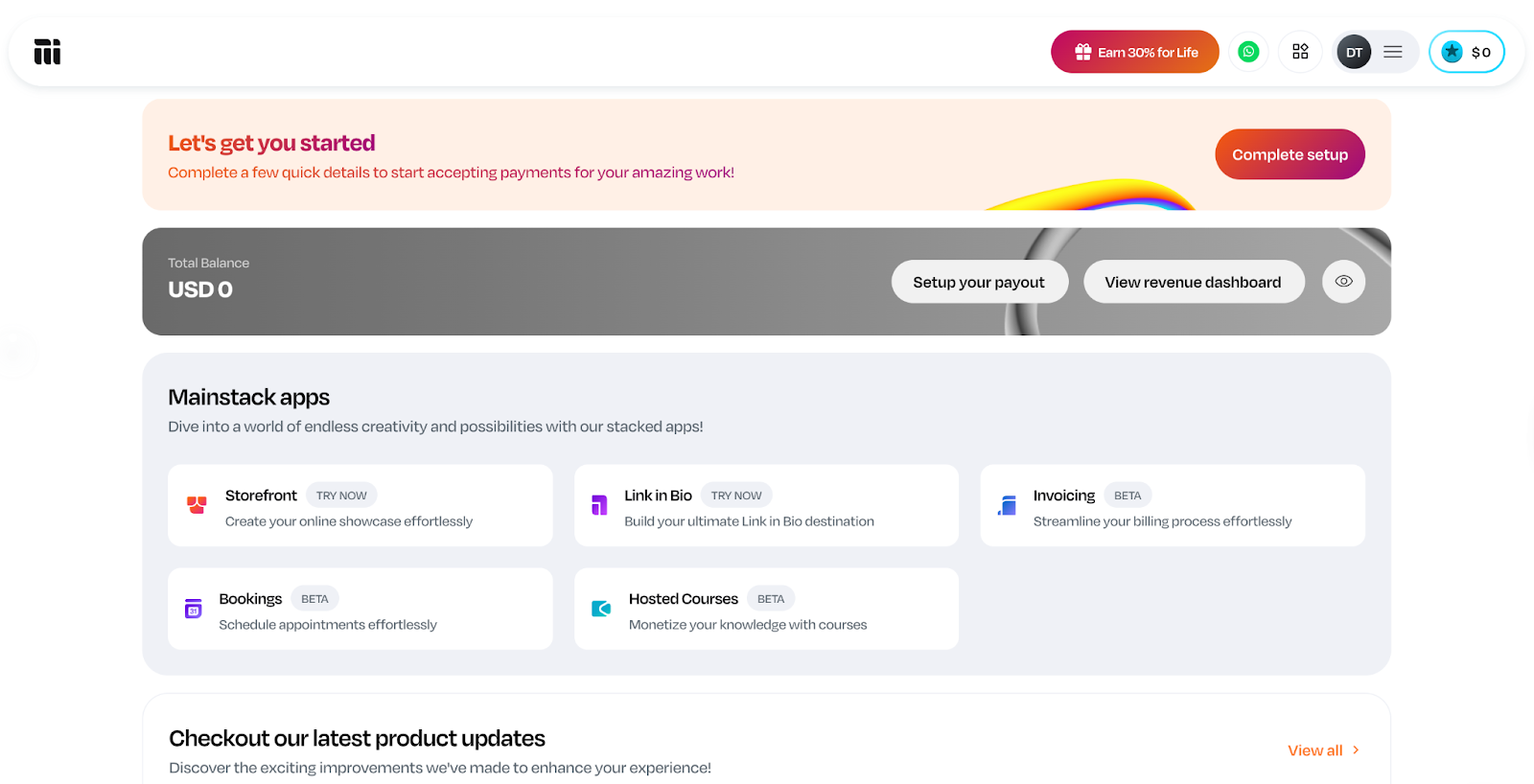
1. Mainstack for all-in-one storefront and landing page
Mainstack is an all-in-one platform for creators, entrepreneurs, and small businesses to build landing pages, showcase products, and sell directly to their audience. It enables you to transform your online presence into a monetizable hub without the need for multiple tools, making it ideal for anyone who wants to manage everything in one place.
Some of its standout features include customizable landing pages, a built-in storefront for both digital and physical products, and an analytics dashboard that tracks audience engagement. It also comes with payment integrations for seamless sales and a simple link-in-bio option that works perfectly across social platforms.
Mainstack offers a free plan with core features, making it accessible to beginners. The platform supports flexible payment options, including one-time fees, subscriptions, pay-what-you-want models, and even crypto payments in over 135 currencies. The icing of the cake is that Mainstack doesn’t charge monthly fees. It only collects a small 3% platform fee when you earn, so you keep more of your revenue.
The Best SEO & Content Marketing Tools
SEO and content marketing tools help businesses attract the right audience and rank higher on search engines. They simplify keyword research, on-page optimization, and content planning to improve results.
2. Ahrefs for keyword research
Ahrefs is a leading SEO platform for keyword research, backlink analysis, and competitor insights. Its free tools let you generate up to 150 keyword ideas, check difficulty, and track rankings. This makes it ideal for small businesses or individuals starting out.
Ahrefs is known for its accurate data and keyword precision, which gives marketers better keywords to target. The downside, however, is that you need a paid plan to unlock advanced features like detailed backlink reports or larger keyword volumes, which can be pricey.
Regardless, the upgrade unlocks one of the most powerful SEO suites on the market.
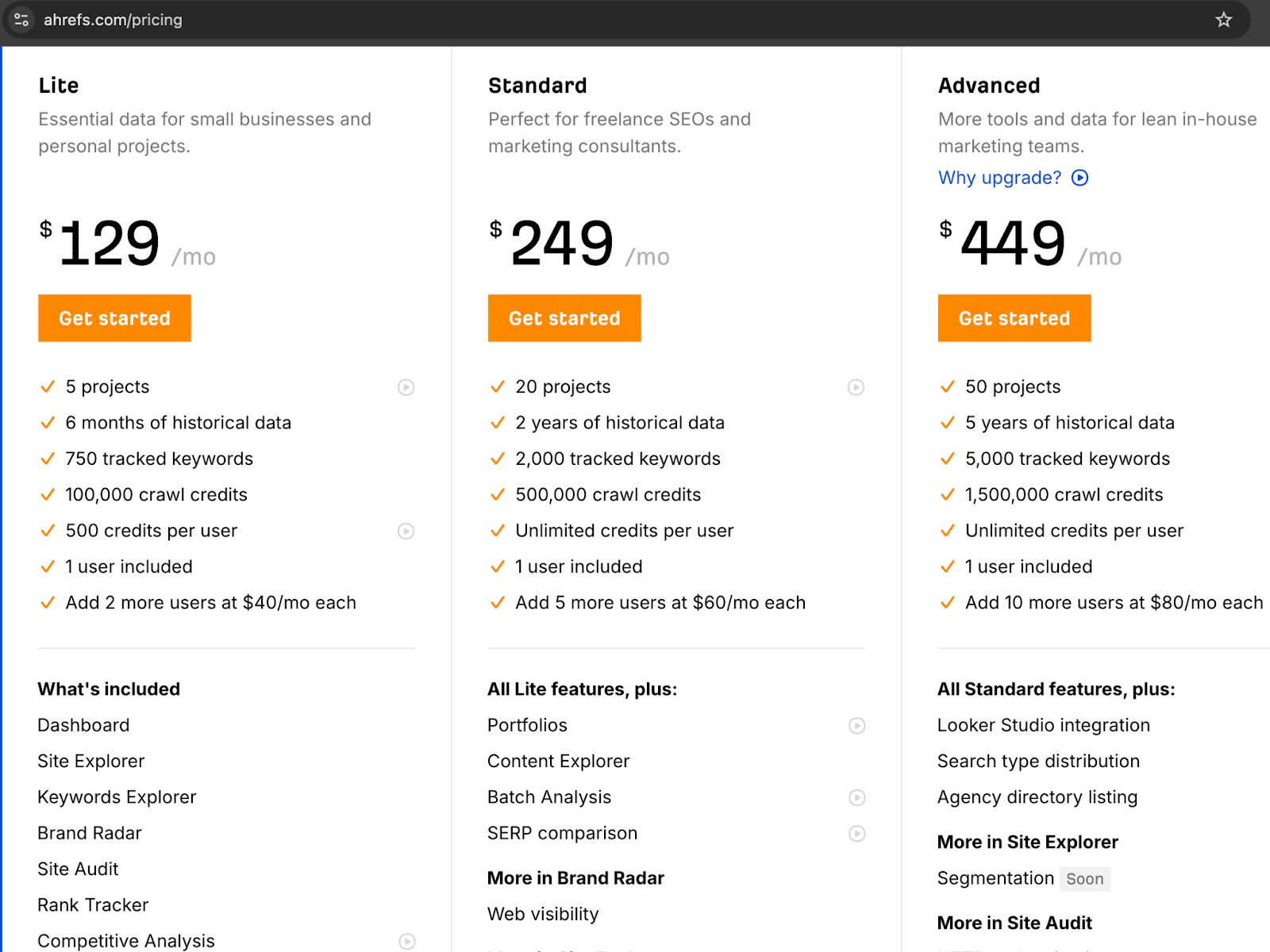
Pricing: Free; paid plans start at $129/month.
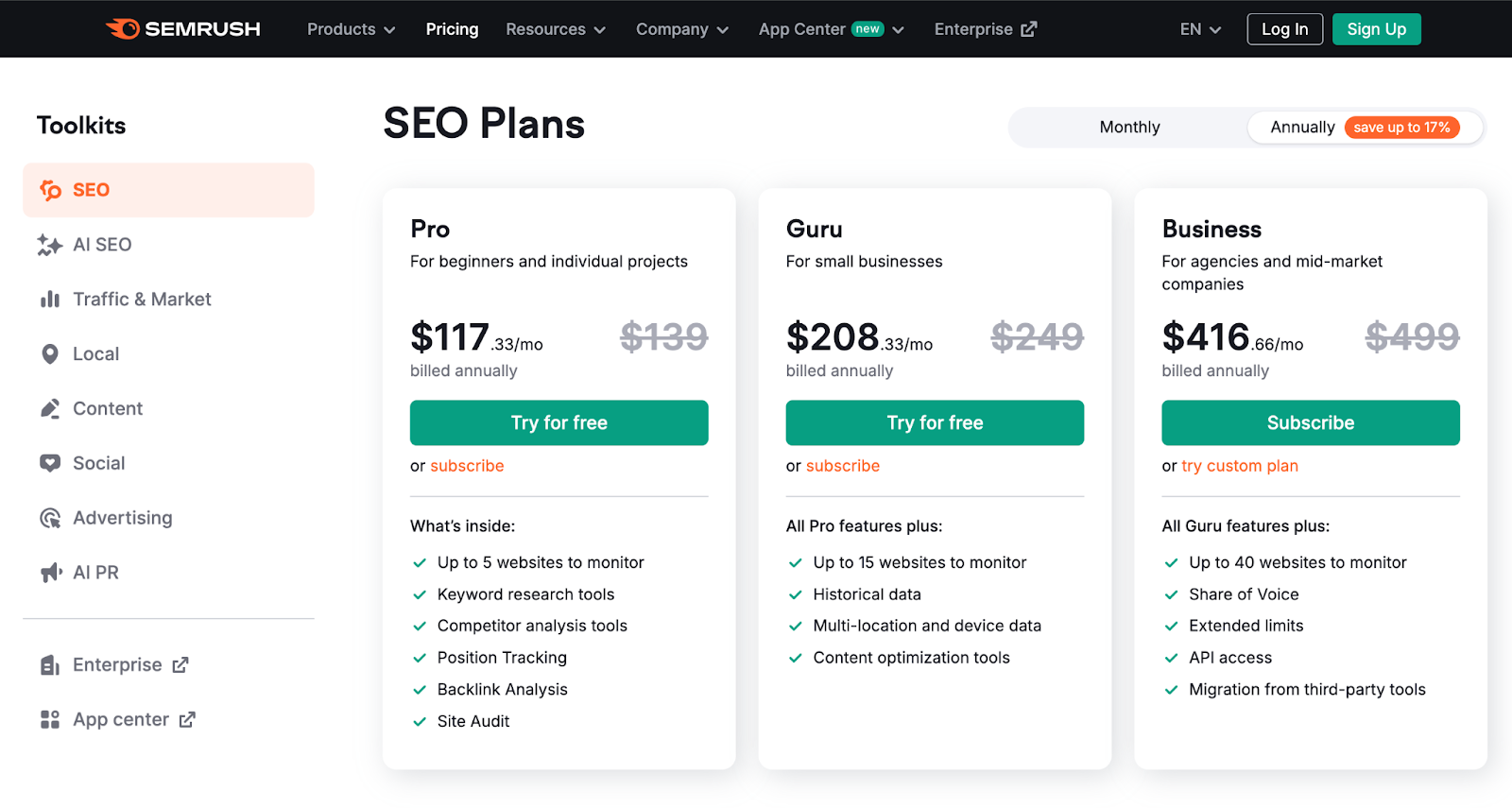
3. Semrush for competitor analysis
If you want to carry out a detailed competitor analysis, then Semrush is the best tool for that. It gives you a clear picture of who your competitors are, which keywords they rank for, where their traffic comes from, and what ads they run.
This makes it a powerful tool to find strategy gaps and new growth opportunities.
While using Semrush is great, its wide range of insights can be overwhelming for beginners. Also, pricing may be high for small teams. However, for businesses ready to take SEO and digital marketing seriously, Semrush provides exceptional value.
Pricing: Free trial available; paid plans start at $139/month.
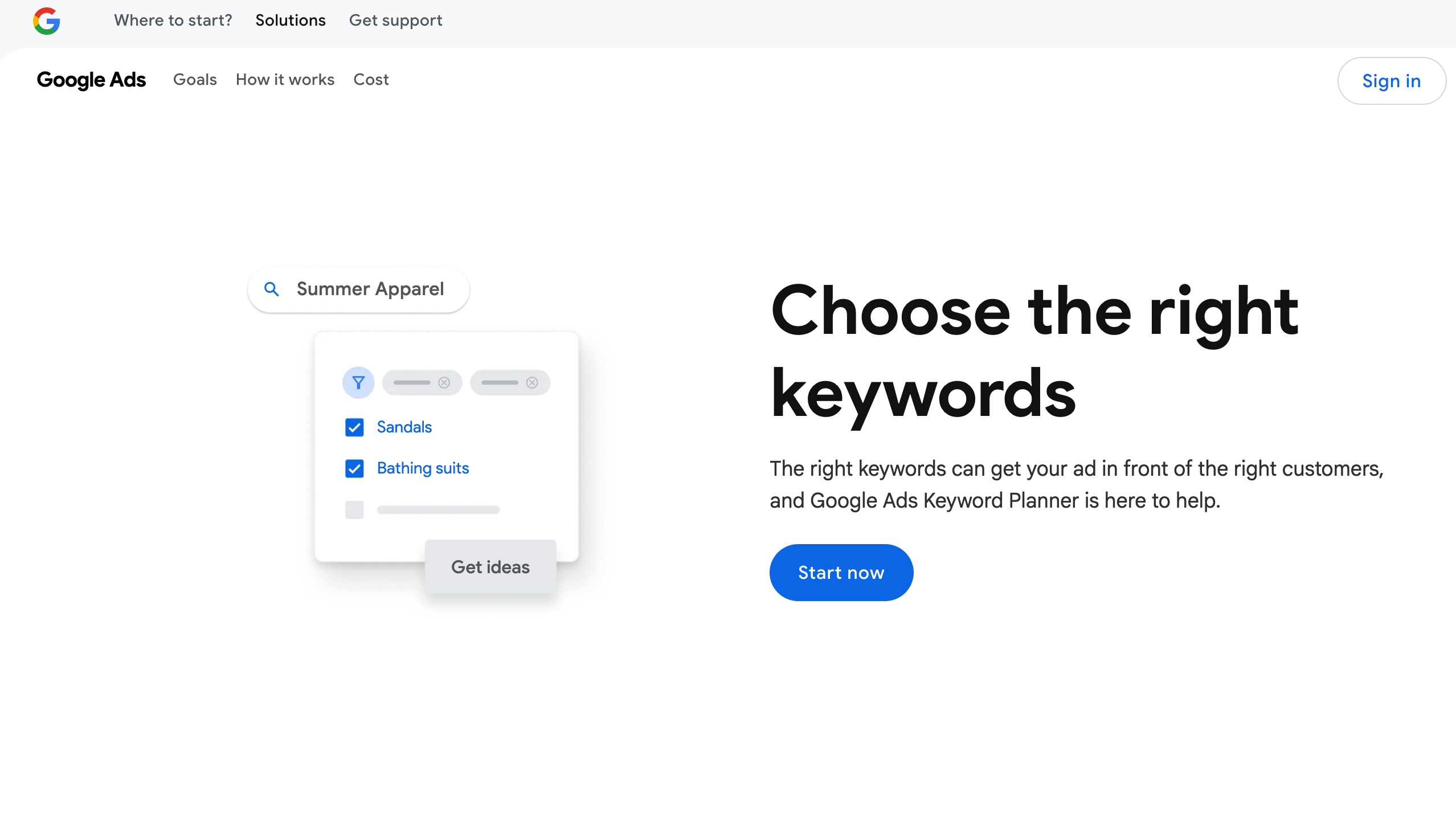
4. Google Keyword Planner (best free SEO tool)
Google Keyword Planner is a solid free tool for basic keyword research. Originally built for Google Ads, it lets you find keyword ideas, search volumes, and competition levels using data directly from Google. It’s less detailed than paid tools like Ahrefs or Semrush but great for getting started on a budget.
Social Media Management Tools
Managing multiple social accounts is time-consuming, but social media tools help by scheduling posts, tracking performance, and boosting engagement. Here’s how the top options compare:
5. Buffer for simple scheduling
Buffer is a simple social media tool for scheduling and publishing posts across Facebook, Instagram, LinkedIn, and X (Twitter). Its clean interface makes it ideal for small businesses and creators who want an easy way to stay consistent.
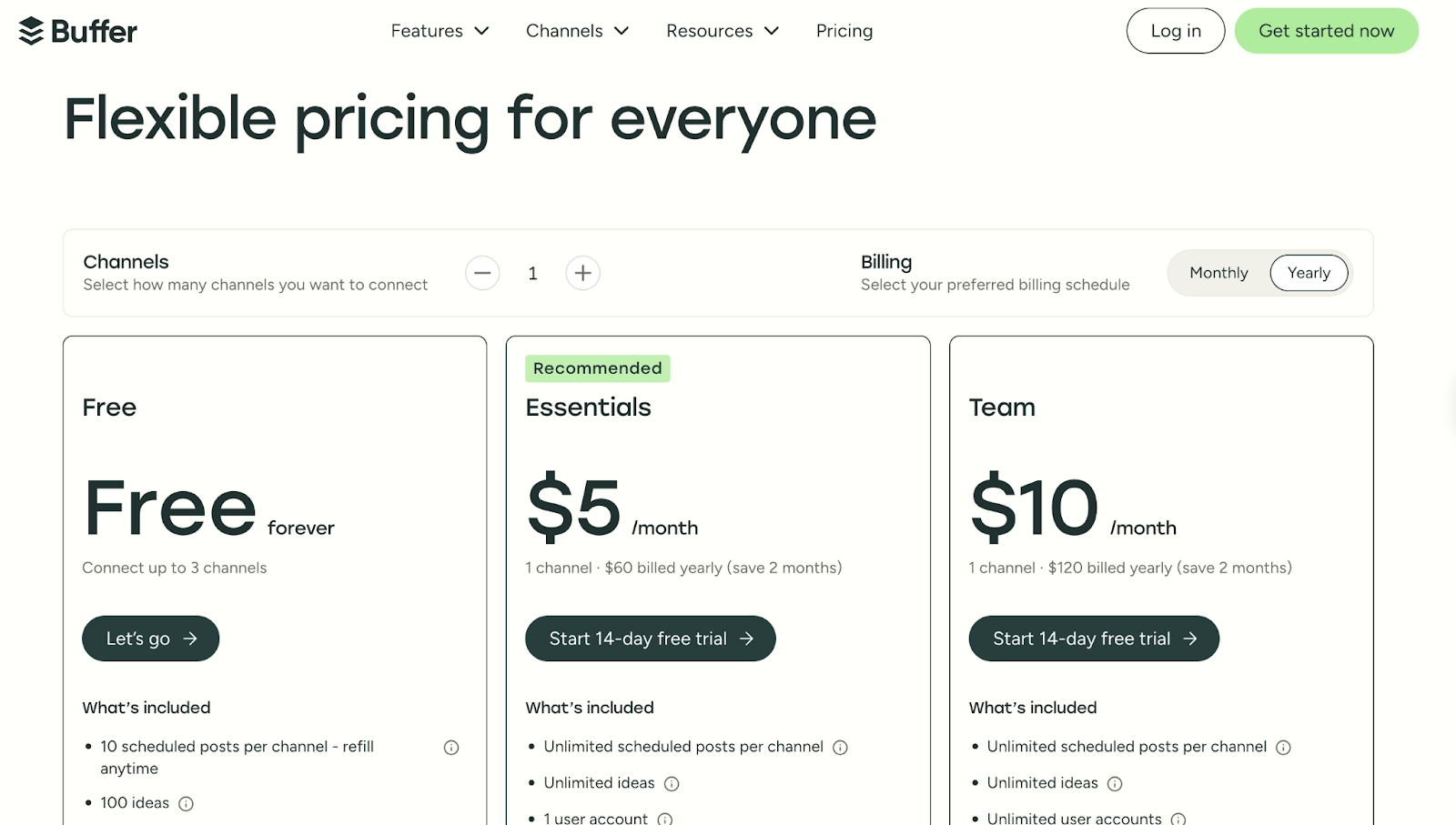
While Buffer’s free and lower-tier plans offer only basic analytics, its paid plans include more in-depth performance insights. Where it really shines, though, is in reliable, straightforward scheduling that keeps your content organized and on time.
Pricing: Free plan available; paid plans start at $5/month per channel.
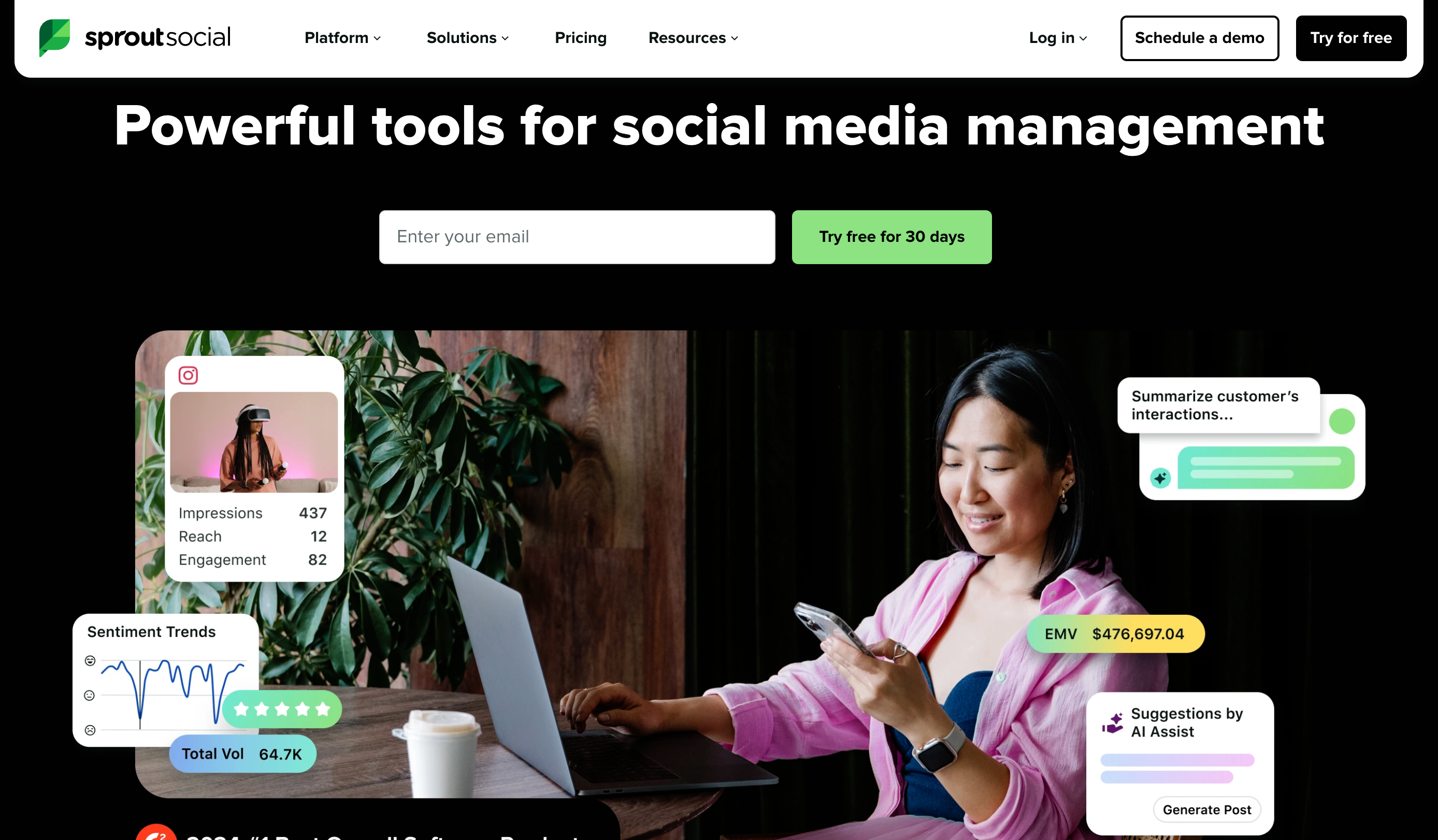
6. Sprout Social for analytics and reporting
Sprout Social is a powerful social media tool with advanced analytics, detailed reporting, and engagement features. It’s ideal for teams and agencies that want to track campaign performance and make data-driven decisions.
What makes Sprout Social stand out is the quality of its insights. You can track audience growth, engagement trends, and campaign performance in detail, all while collaborating with your team on one platform. The downside of using Sprout Social is that it comes at a higher cost, which may be challenging for small businesses.
Pricing: Free trial available; paid plans start at $249/month.
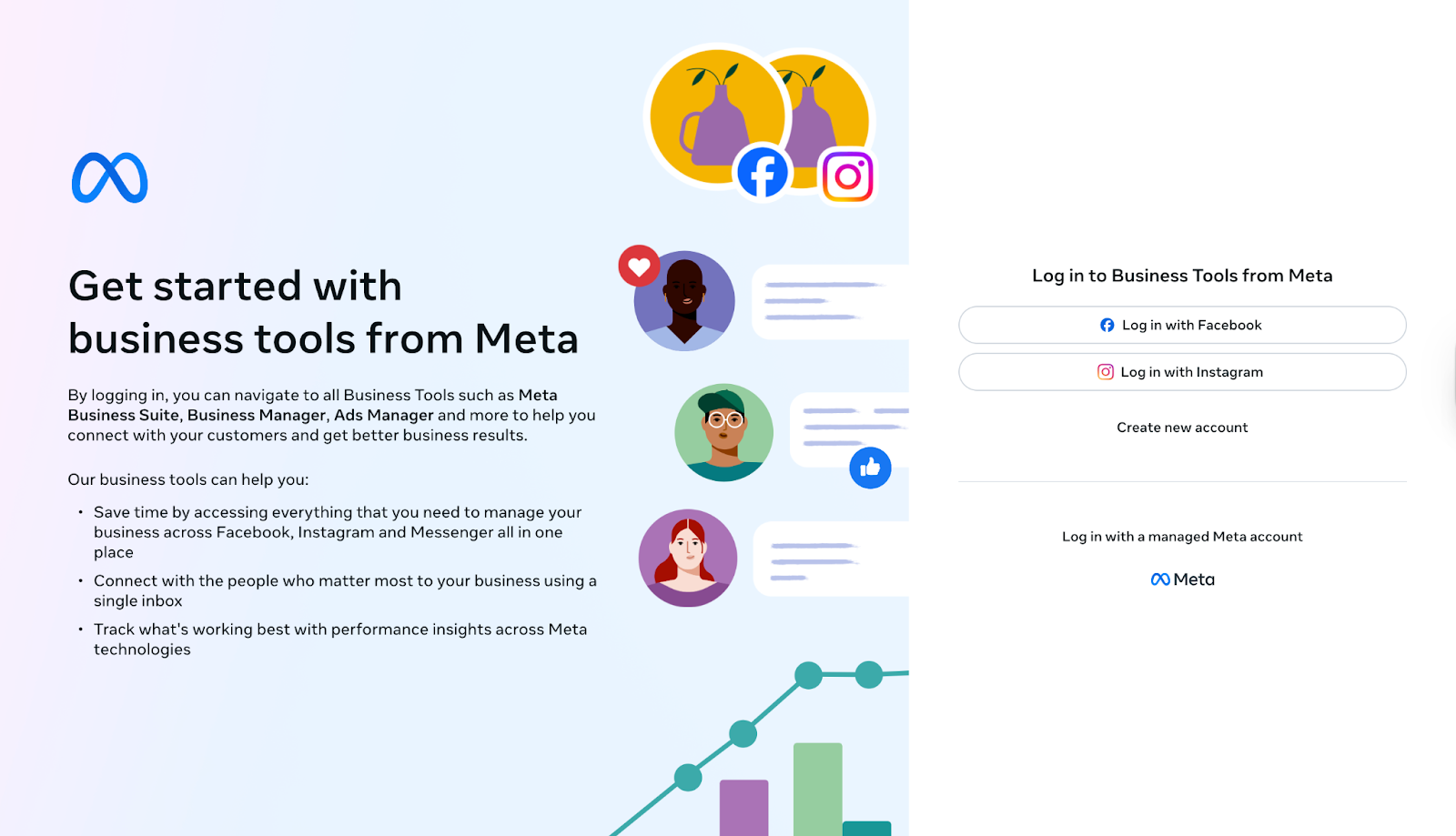
7. Bonus: A Free Alternative — Meta Business Suite
If you’re not ready to invest in a paid scheduling tool, Meta Business Suite is a great free option. Designed for Facebook and Instagram, it lets you plan and schedule posts, reply to messages, and check performance insights, all from one dashboard.
While it’s limited to Meta platforms, it’s surprisingly effective for small businesses, creators, and entrepreneurs who mainly use Facebook and Instagram to reach their audience. You can manage both accounts in one place without needing extra tools, making it a simple, no-cost way to stay consistent online.
Email Marketing & Automation Tools
Email marketing tools help businesses send campaigns, automate follow-ups, segment audiences, and personalize content. The right choice depends on your audience size and goals.
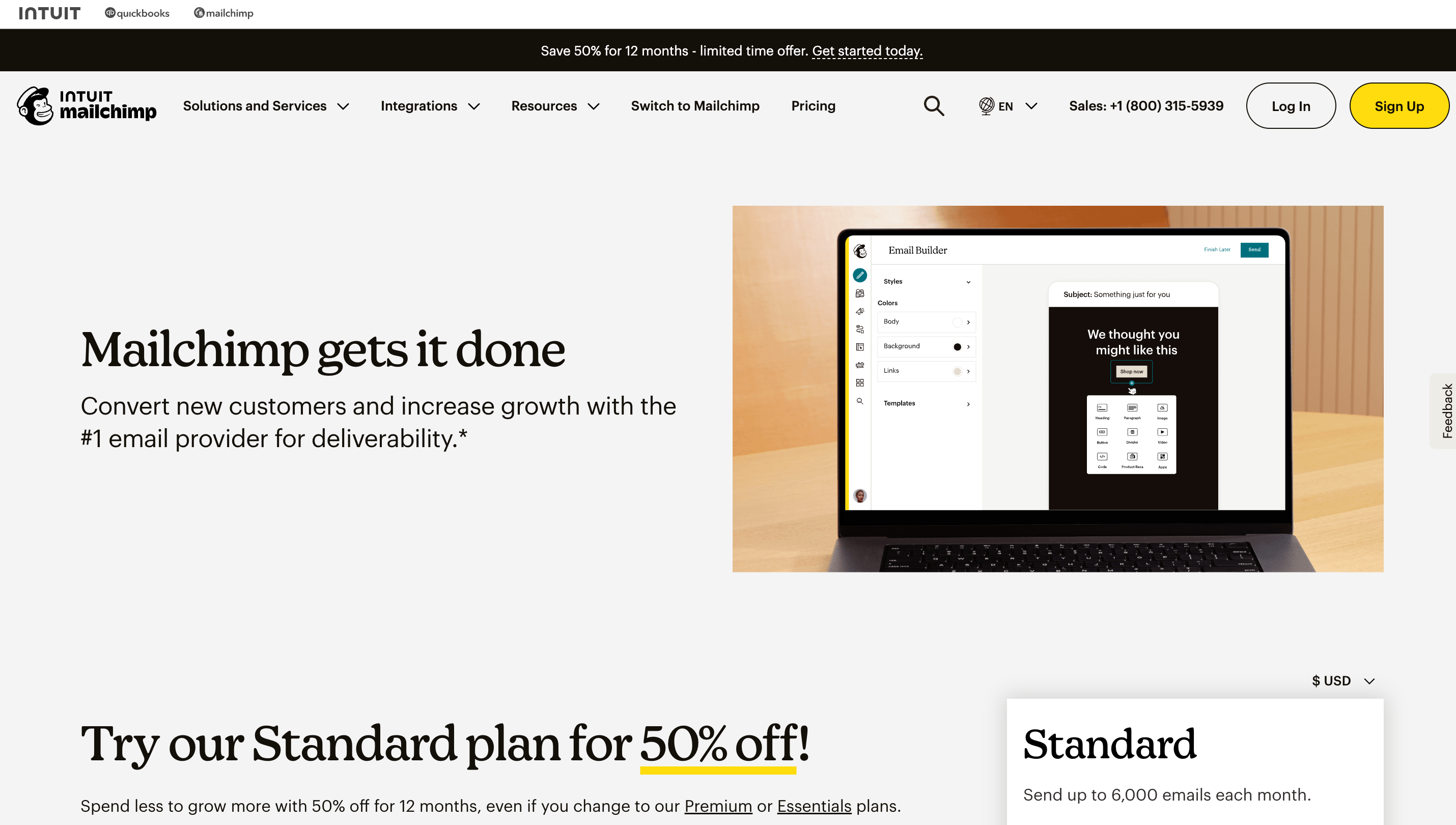
8. Mailchimp (best for all-in-one email campaigns)
Mailchimp is known for its ease of use and range of features, from drag-and-drop email builders to automation workflows and audience segmentation. It’s great for managing campaigns in one place: from design to copy to planning to tracking analytics.
The free plan is generous, but pricing scales as your subscriber list grows. Pricing: Free plan available; paid plans start at $13/month.
9. Kit formerly ConvertKit (best for creators selling digital products)
One advantage of using Kit is how it supports audience growth and monetization. You can tag and organize subscribers based on their actions, build custom sequences, and nurture leads without needing advanced technical skills.
While its email templates are minimal, it offers an efficient system for growing and monetizing your audience.
Pricing: Free plan available for up to 1,000 subscribers; paid plans start at $15/month.
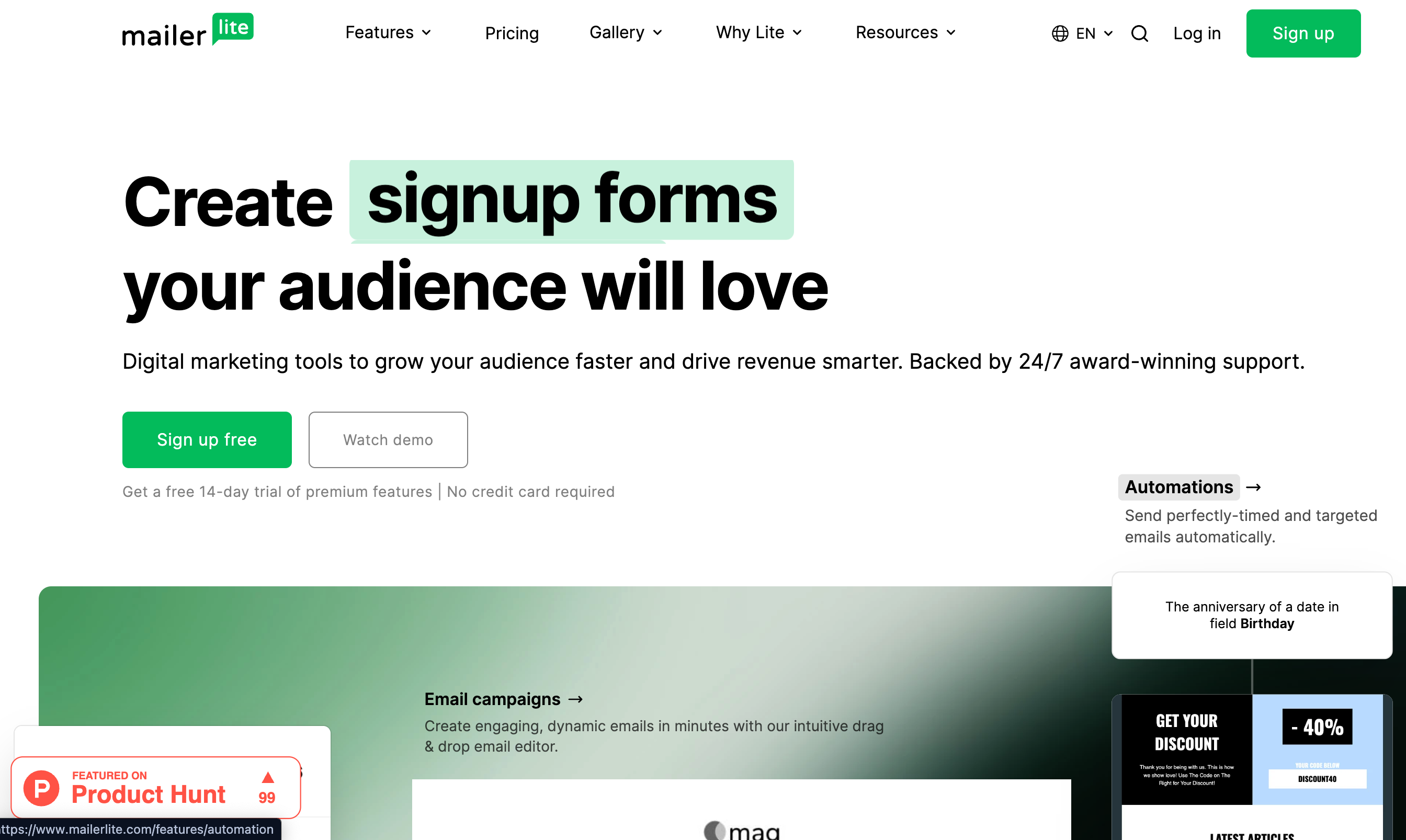
10. MailerLite (best for simplicity and affordability)
MailerLite is a lightweight, budget-friendly option that still covers essential features like automation, landing pages, and sign-up forms. It’s particularly appealing to small businesses or beginners who want a straightforward way to run email campaigns without complexity.
Pricing: Free plan available for up to 500 subscribers; paid plans start at $9/month.
Analytics & Reporting Tools
Analytics tools help businesses understand how campaigns perform, how users behave on websites or apps, and where to improve to maximize ROI. Here are some analytics tools:
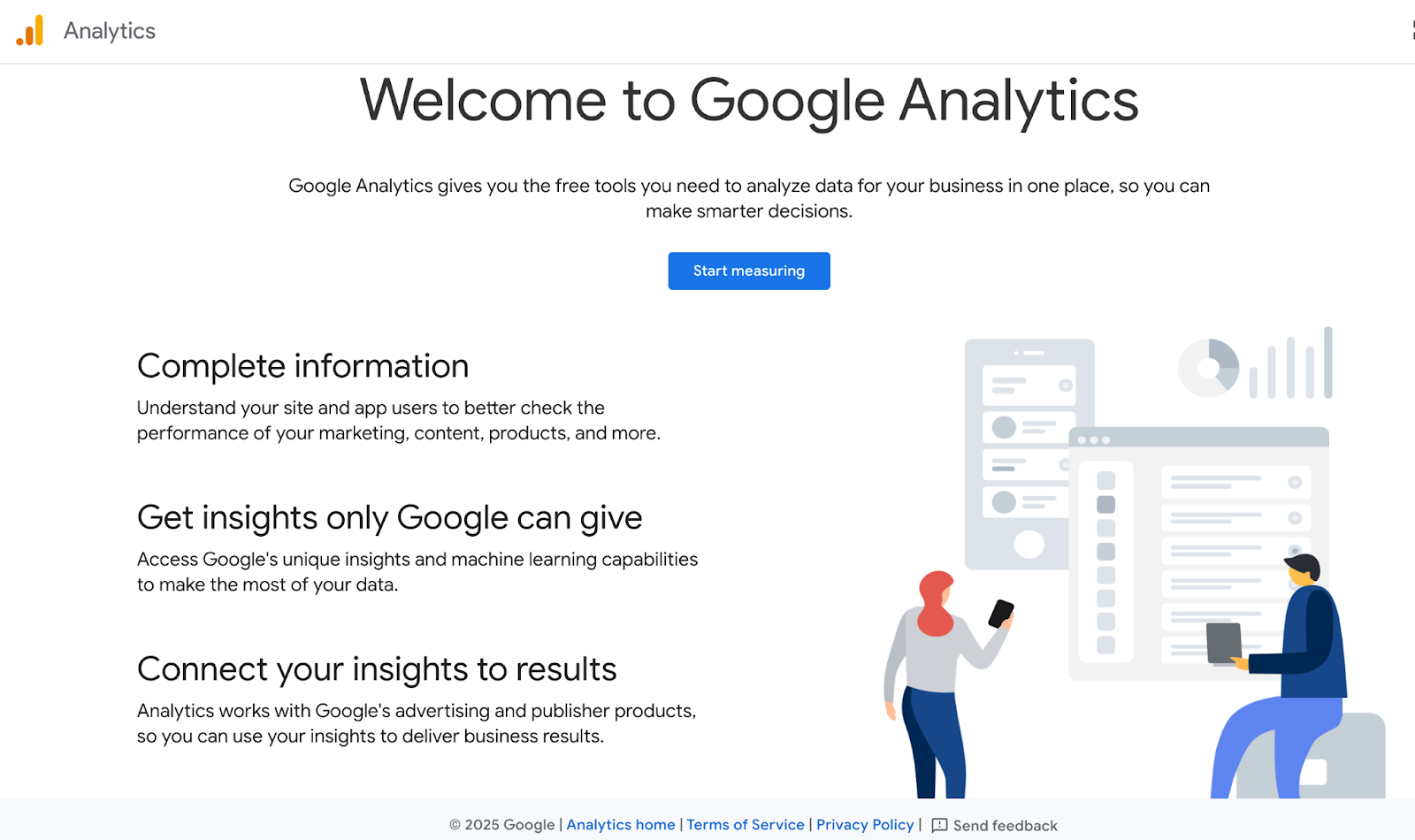
11. Google Analytics 4 (best for website performance tracking)
Google Analytics 4 (GA4) is the go-to tool for tracking website traffic, conversions, and user behavior. It helps you understand where visitors are coming from, how they interact with your content, and which channels drive the most revenue. While it’s powerful, the setup can feel complex for beginners. Pricing: Free.
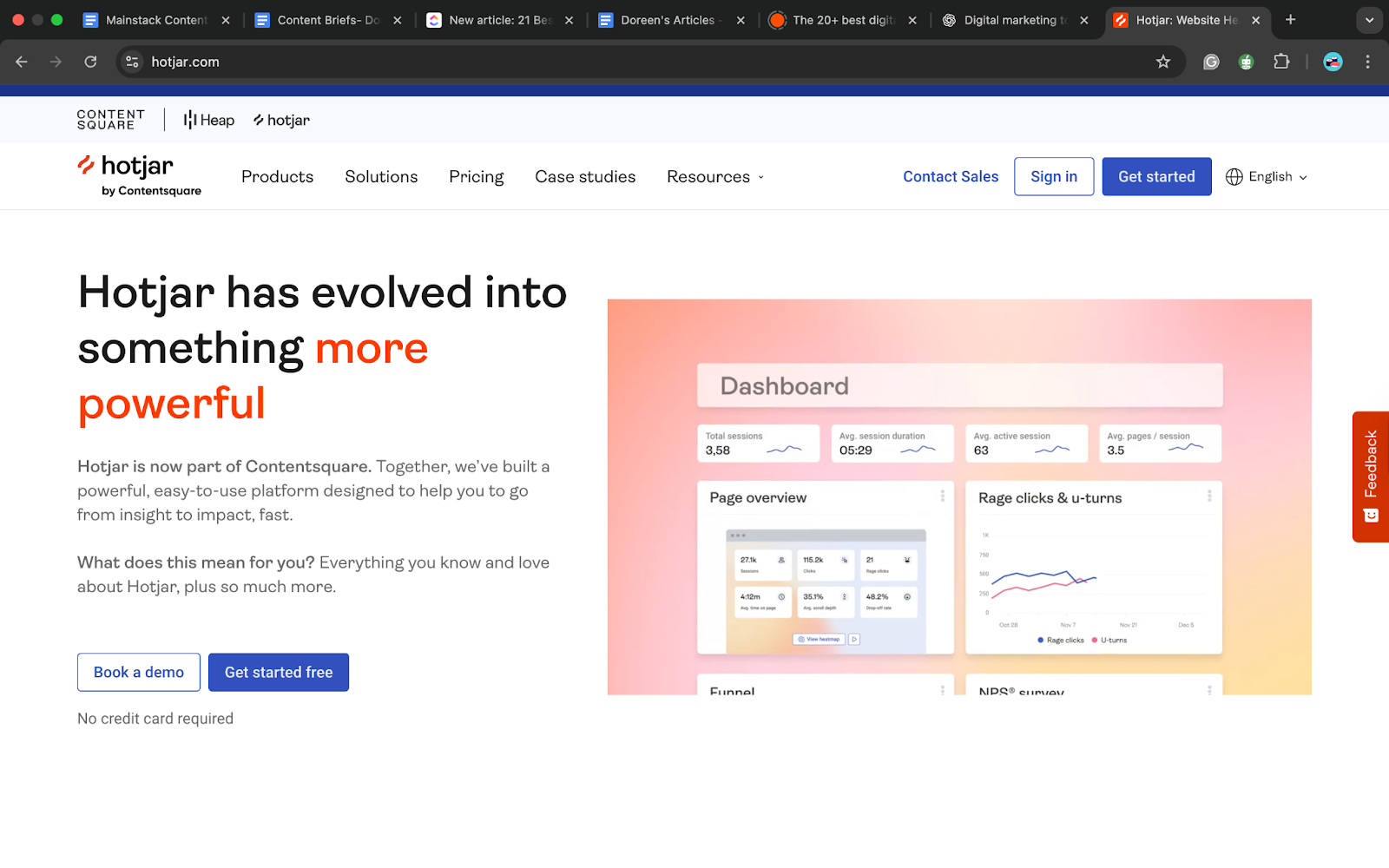
Hotjar takes analytics further by providing heatmaps, session recordings, and user feedback tools. Instead of just numbers, you can see exactly how people click, scroll, and interact with your website, making it easier to spot usability issues and optimize conversions. Pricing: Free plan available; paid plans start at $32/month.
AI-Powered Marketing Tools
AI tools are transforming digital marketing by helping businesses create content faster, personalize messaging, and make smarter predictions about customer behavior.
13. Jasper AI (best for long-form marketing content)
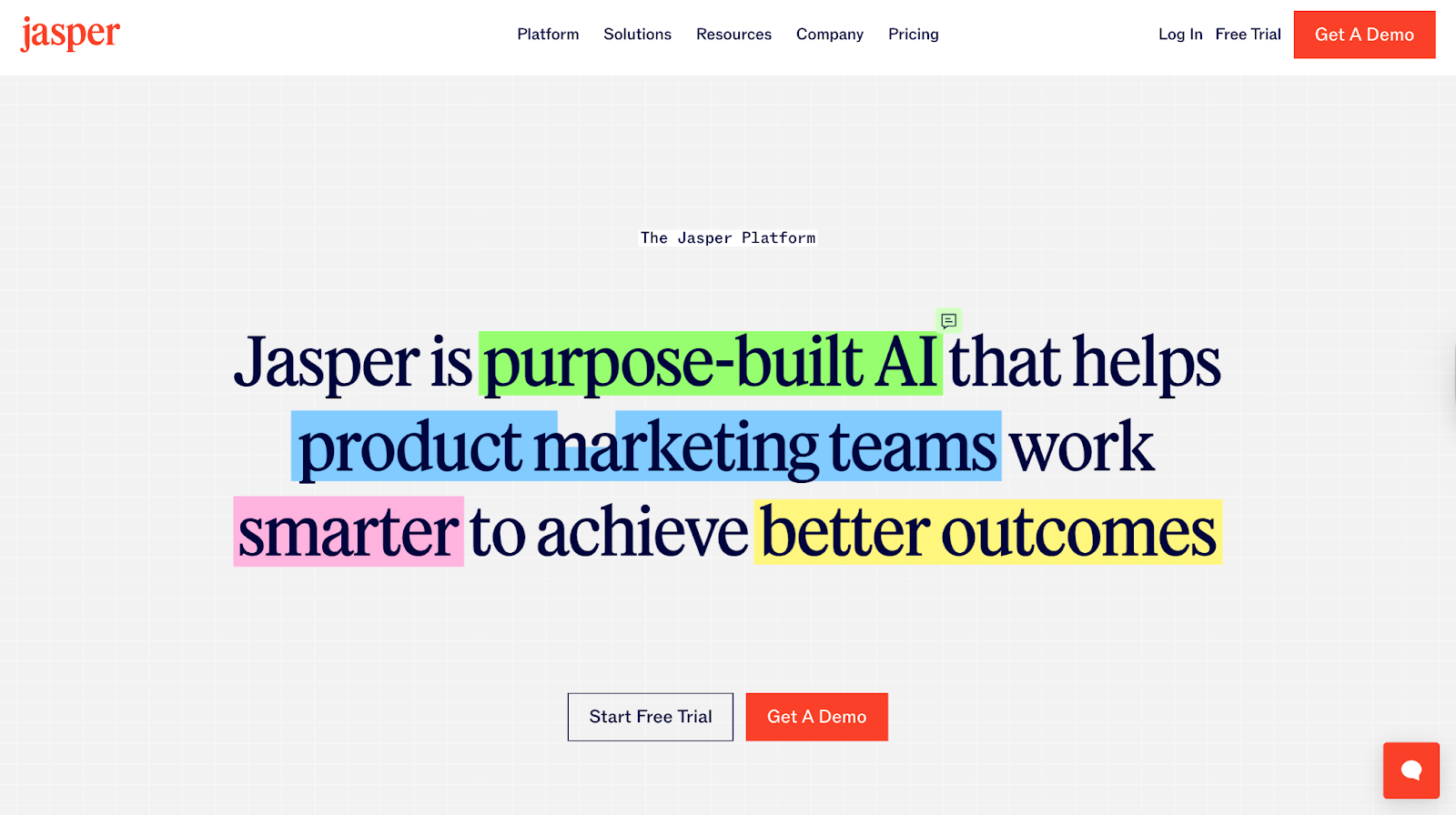
Jasper AI specializes in generating blog posts, ad copy, and marketing emails using AI. It’s trained on marketing frameworks and tones, making it a solid choice for brands that want polished, conversion-focused writing at scale. Pricing: Plans start at $59/month.
14. Copy.ai (best for quick copywriting)
Design & Creative Tools
Great marketing requires visuals that capture attention, and design tools make it easy for anyone even without design skills to create professional-looking graphics and campaigns.
15. Canva (best for quick, versatile designs)
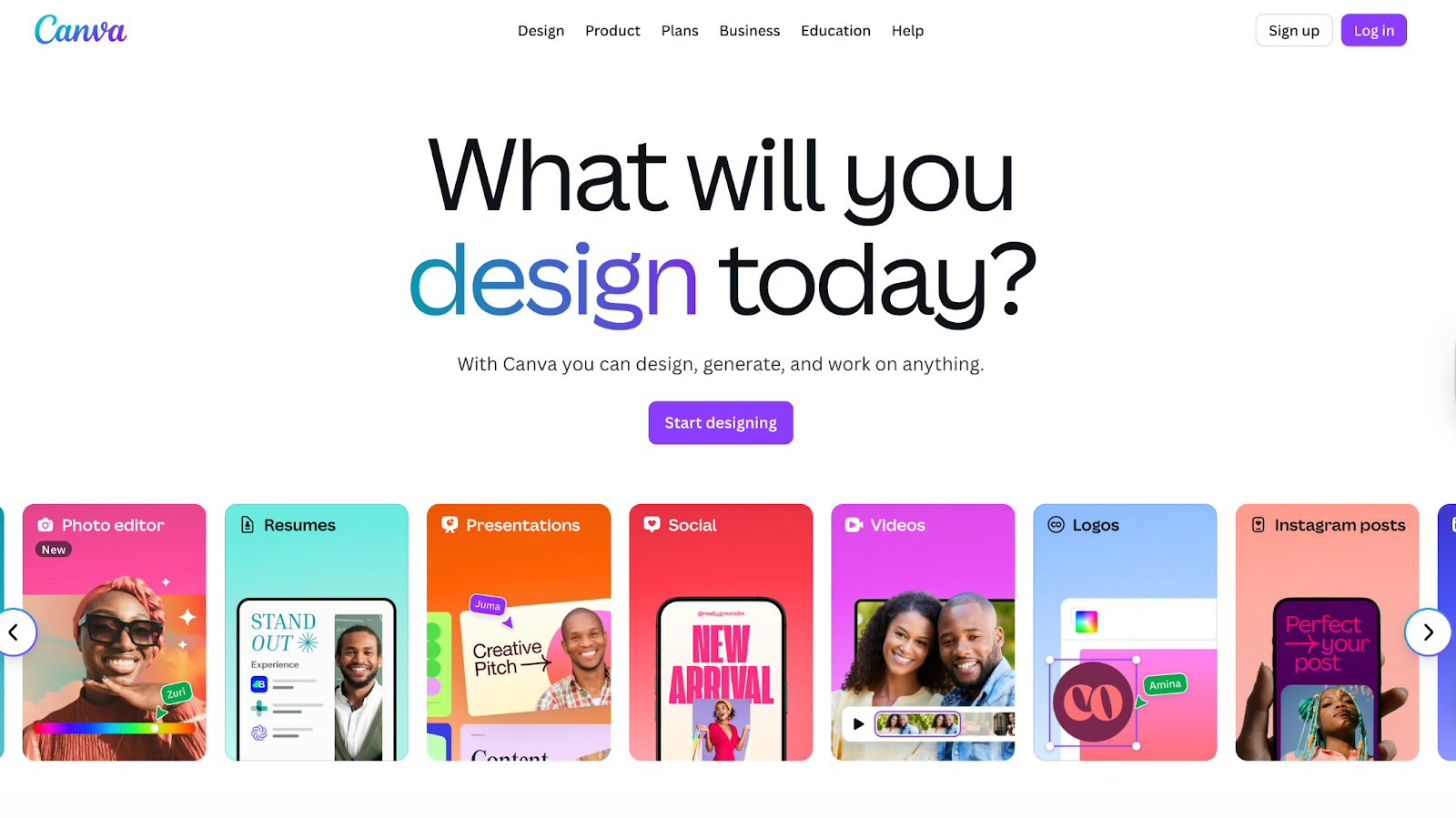
Canva is one of the most popular design tools, offering templates for social media, presentations, ads, and more. It is so beginner-friendly that anyone could work around the already existing templates and create a masterpiece. Its drag-and-drop interface makes it simple for non-designers, and the free version is robust enough for most small business needs.
Pricing: Free plan available; Canva Pro starts at $12.99/month.
16. Figma (best for collaborative design)
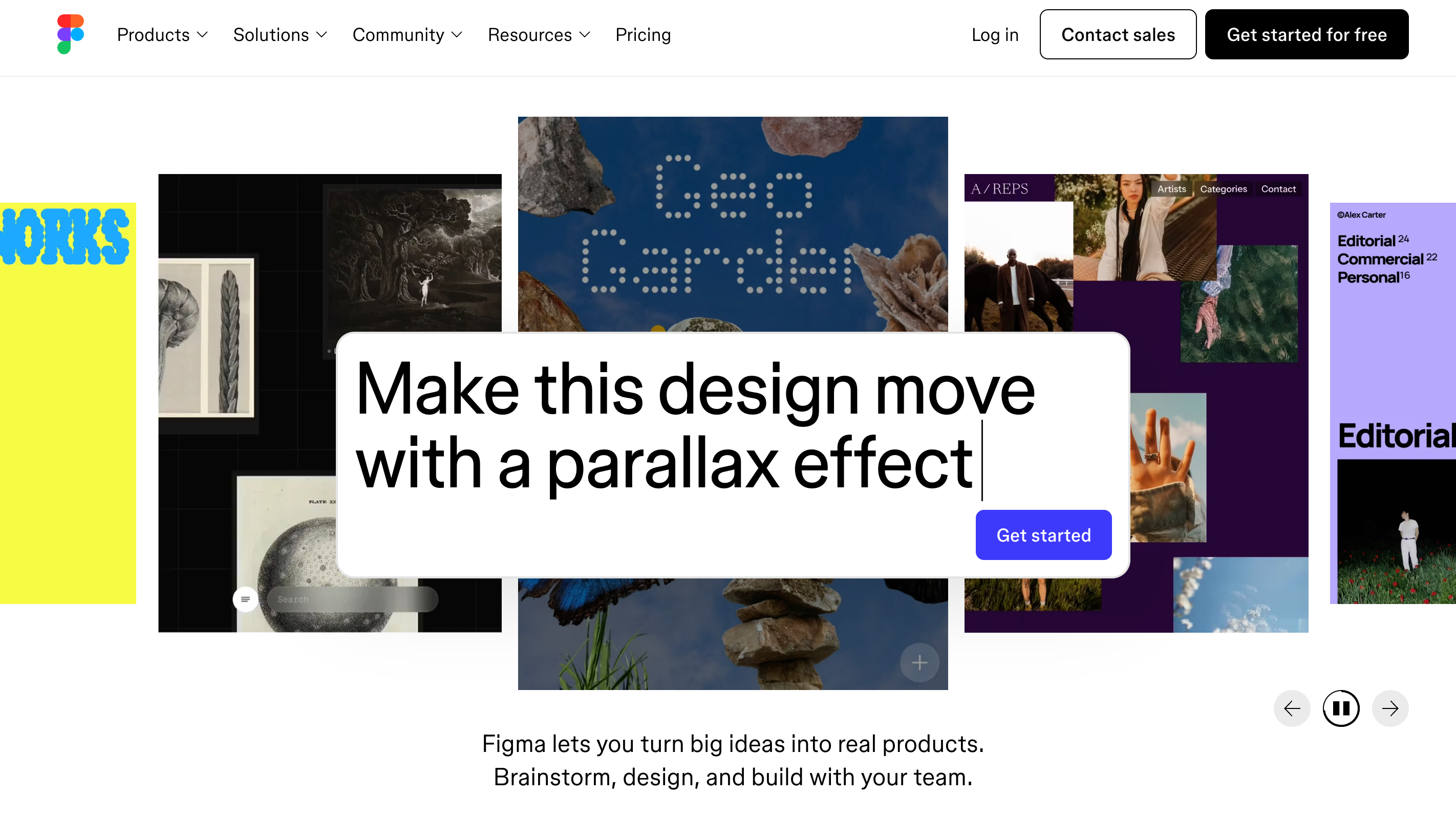
Figma is a design tool built for collaboration. Teams can create, edit, and comment on designs in real time, making it perfect for marketers working with designers or agencies. It’s especially useful for UI/UX projects and campaign mockups. Pricing: Free plan available; paid plans start at $5/month depending on the collab, dev or dull seat..
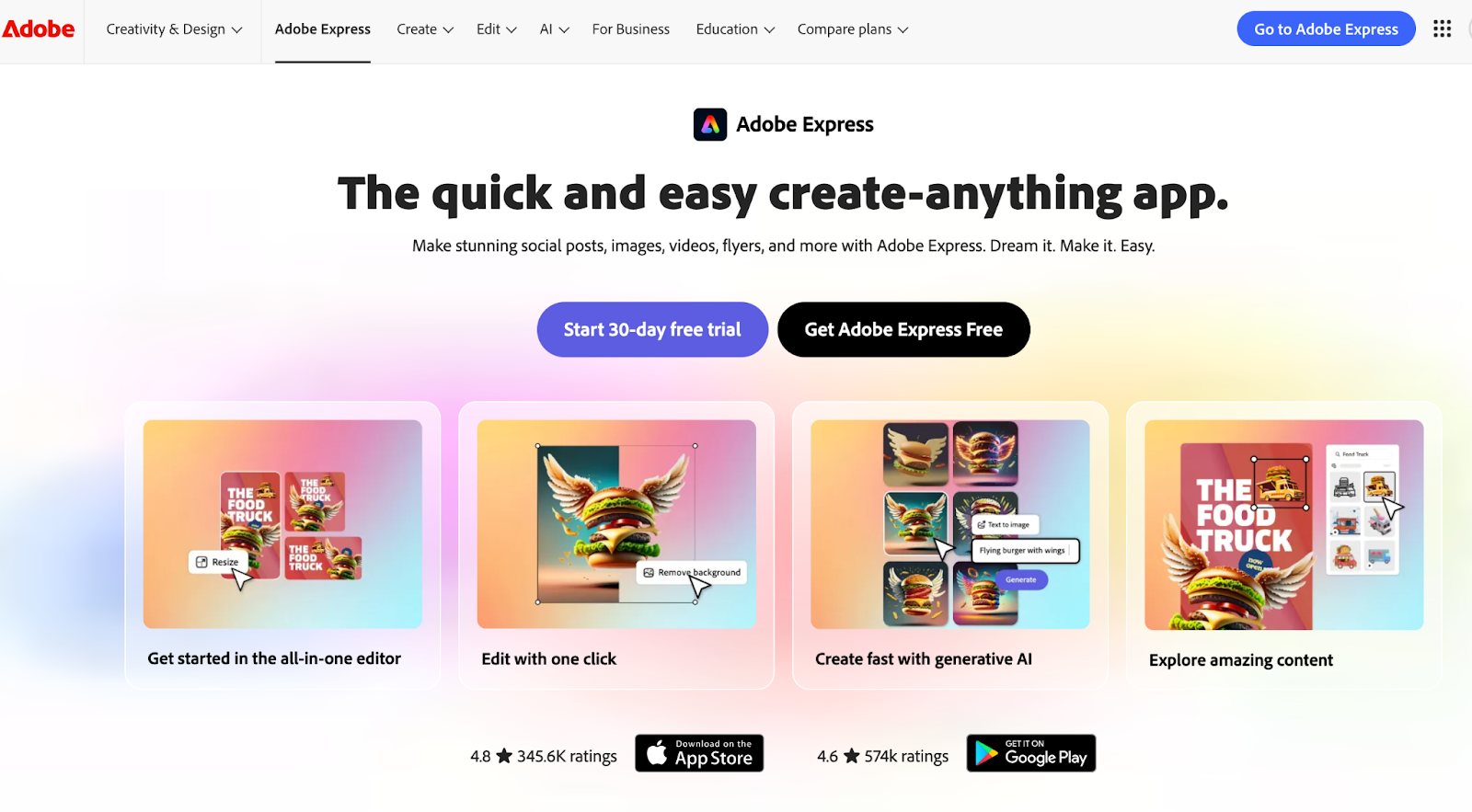
17. Adobe Express (best for professional-grade templates)
Paid Ads & PPC Tools
Running paid ad campaigns requires precise targeting, careful budgeting, and clear tracking to make sure every dollar counts. Paid Ads and PPC tools simplify campaign management, measure ROI, and help businesses reach the right audiences faster.
18. Google Ads (best for search engine campaigns)
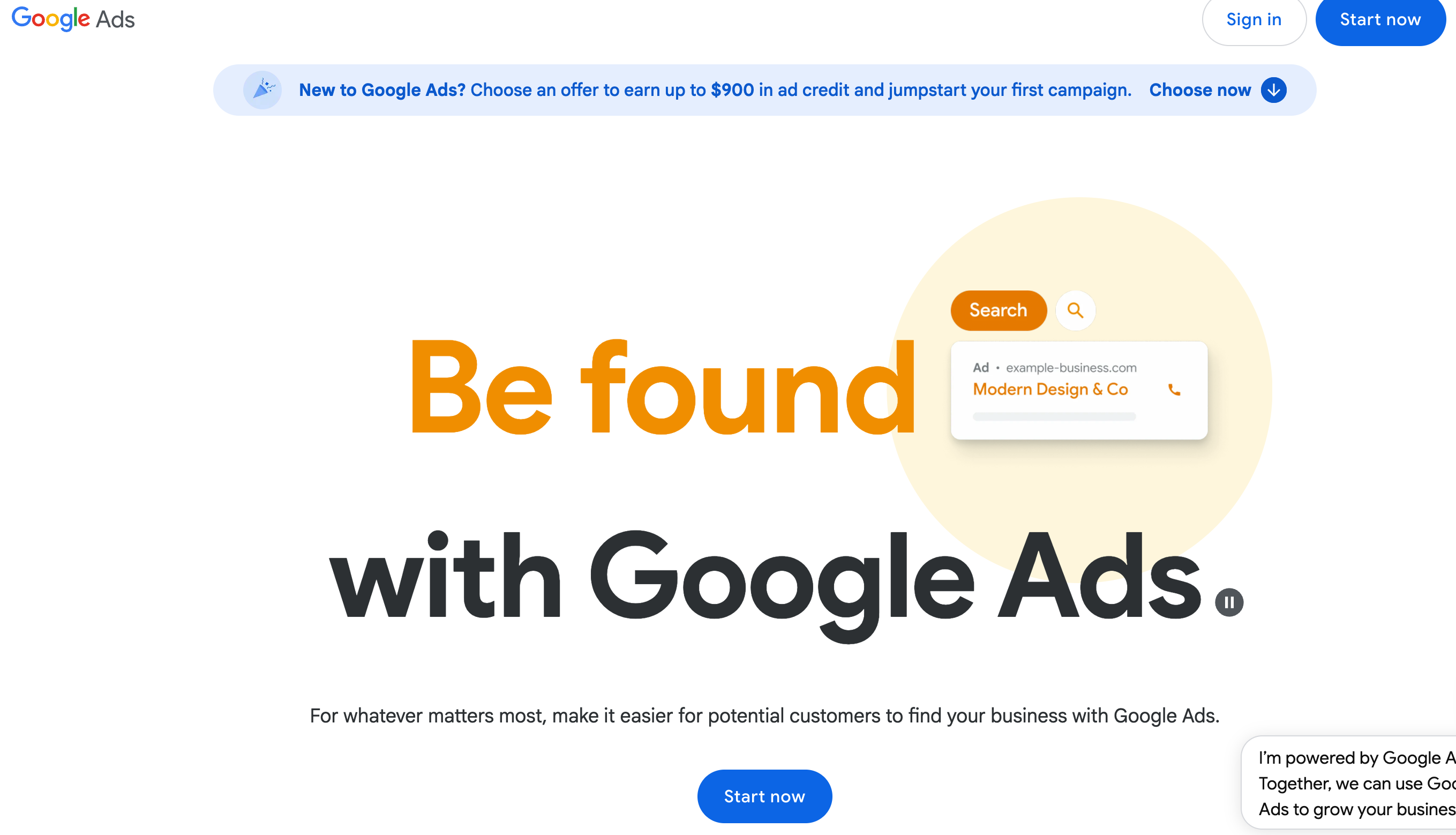
Google Ads is the most widely used platform for pay-per-click advertising. It allows businesses to bid on keywords and display ads at the top of search results, reaching customers at the exact moment they’re searching for solutions. Its strength is intent-driven traffic, though competition for popular keywords can make costs high. Pricing: Pay-per-click model, no fixed monthly fee.
19. Meta Ads Manager (best for social ad targeting)
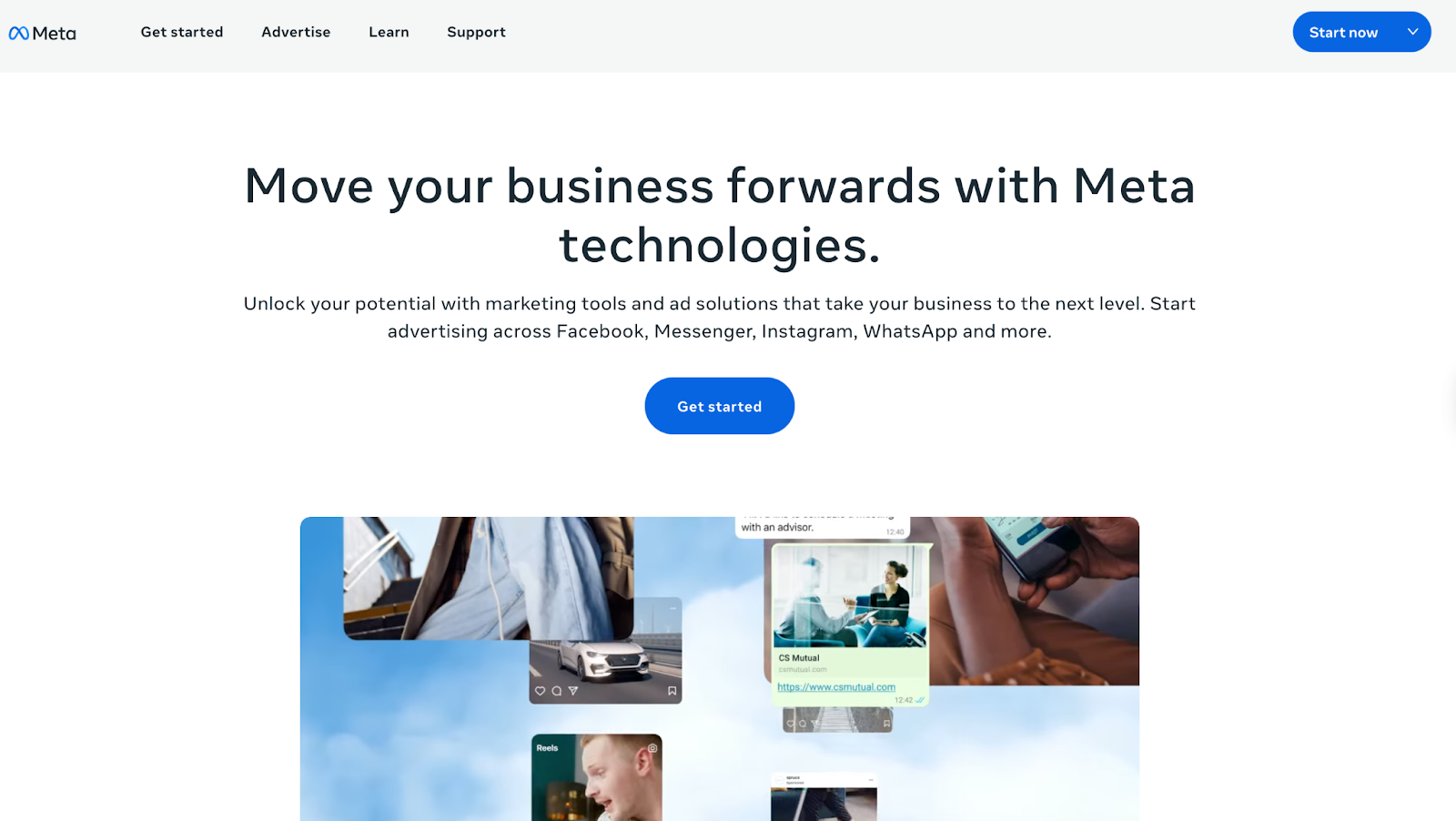
Pricing: Flexible budget; pay-per-click or impression.
Collaboration & Project Management Tools
With so many moving parts in digital marketing, project management tools help teams stay organized, collaborate smoothly, and ensure campaigns launch on time.
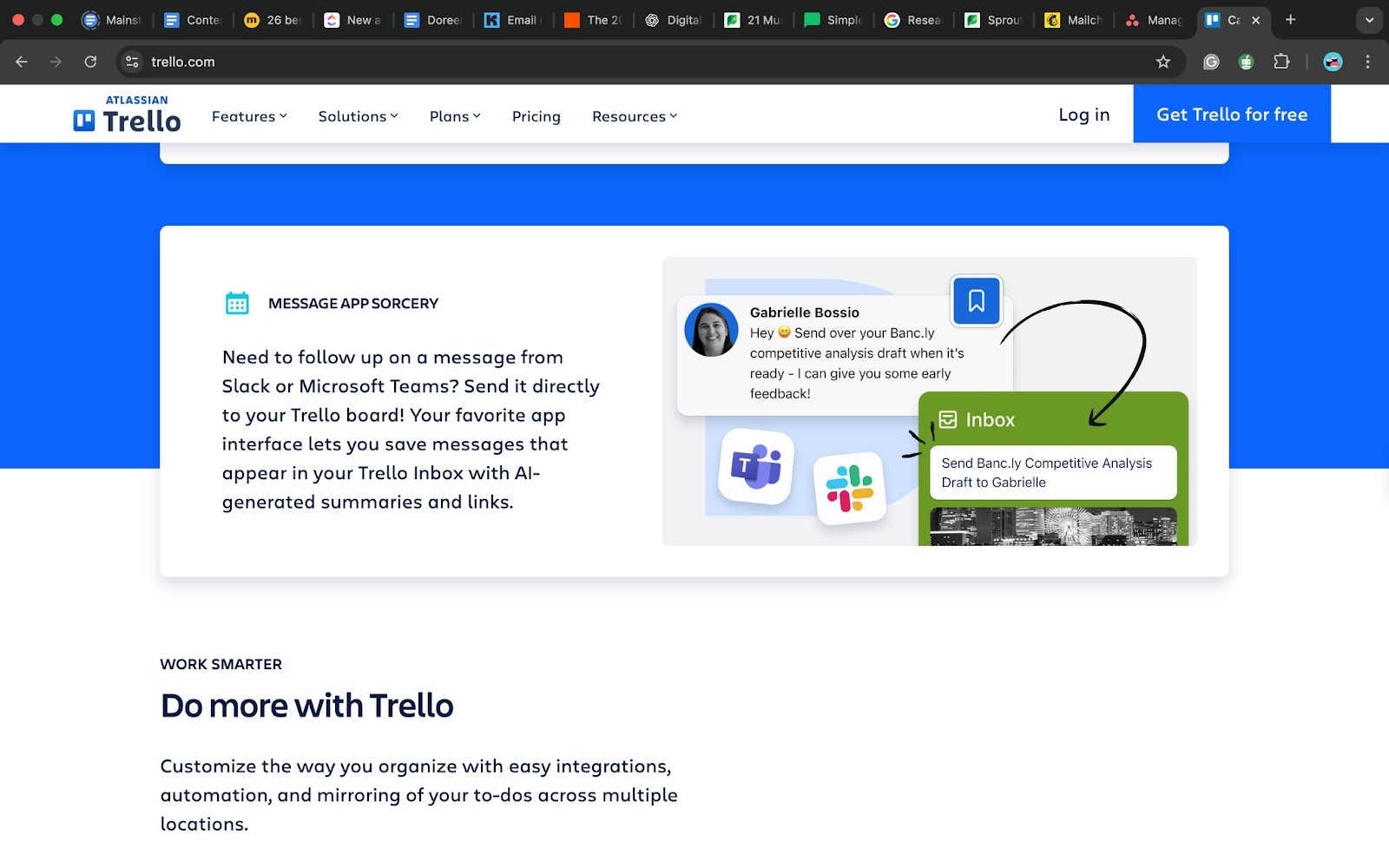
20. Trello (best for visual task management)
Trello uses boards, lists, and cards to organize tasks in a highly visual way. It’s simple, flexible, and perfect for small teams that want to manage campaigns, brainstorm ideas, or track workflows without overwhelming features. Pricing: Free plan is available; paid plans start at $5/month per user.
21. Asana (best for structured workflows)
Asana is more than just a to-do list. It’s a collaboration tool that helps teams stay organized and finish big projects on time. You can use it to see how tasks connect (called dependencies), view everything on a clear timeline, and start new projects quickly with ready-made templates. This makes it perfect for marketing or creative teams that handle tons of campaigns and deadlines at once.
Asana integrates with more than 200 applications, including Google Workspace, Slack, and Microsoft Teams, eliminating the need to switch between different programs.
You can add custom fields to track what matters most to your team, and use workload tools to see who’s busy and who has time to help. Automation saves time by handling small, repetitive jobs automatically. Plus, Asana now includes smart AI helpers that can spot delays, suggest next steps, and keep projects running smoothly.
Pricing: Free plan available; paid plans start at $10.99/month per user.
Tips to Get the Most Out of Marketing Tools
Using digital marketing tools effectively goes beyond just signing up. To maximize results, review analytics regularly and adjust strategies based on real data. Automate repetitive tasks like emails, scheduling, and reporting to free up more time for creativity and strategy.
Combine tools for a full stack. For example, you can pair analytics with email automation or project management with social scheduling to create a more powerful marketing system.
At the end of the day, marketing tools are there to make life easier, not harder. Start small; choose two or three that address your biggest needs, like audience growth, time savings, or better content, and expand as you grow.
Looking for an all-in-one digital marketing solution built for creators? Mainstack lets you host digital products, track analytics, and manage engagement, all from one simple dashboard.
For years, creators and entrepreneurs in Africa have been told the same story: “Build your product. Sell it. Repeat.” However, the truth is that the online world doesn’t reward hard work alone; it rewards networks, visibility, and speed.
And that’s exactly what Mainstack’s Affiliate Program is built for.
This isn’t just another earning tool. It’s a gateway to limitless sales and income, powered by collaboration.
For Merchants: Imagine Hundreds Selling for You
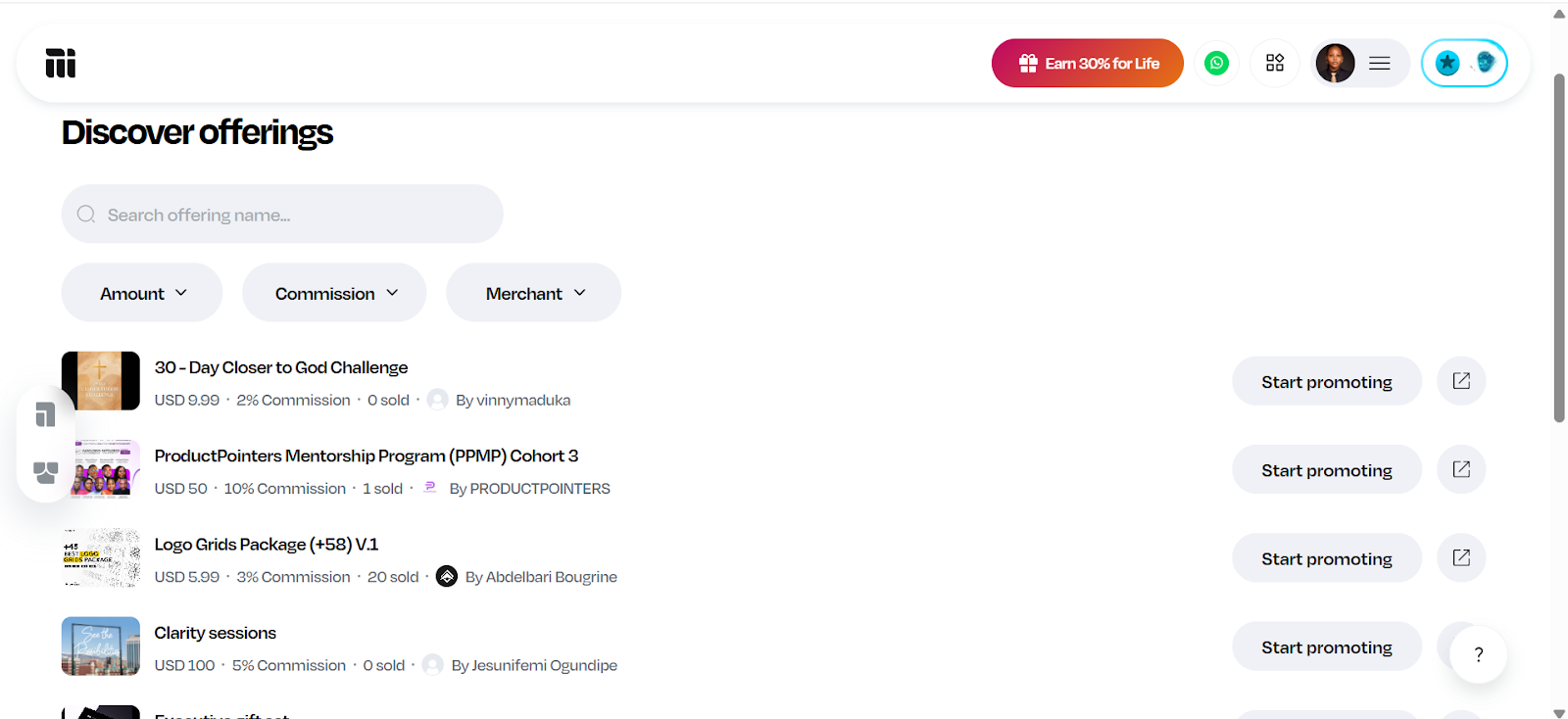
You already created something valuable. Now, imagine hundreds of people selling it for you. That’s what happens when you list your product on Mainstack’s Affiliate Marketplace.
Instead of doing all the marketing yourself, you tap into an army of affiliates ready to share, promote, and sell your product to audiences you might never reach on your own. Every time they sell, you earn effortlessly.
It’s not just marketing. It’s multiplication.
Your reach expands. Your sales grow. Your brand travels faster than your ads ever could. And with Mainstack’s 24-hour payouts across Naira, crypto, PayPal, and DOM accounts, you don’t wait to see results.
If you have influence, community, or just good digital instincts, Mainstack gives you a new way to earn without creating anything.
You can promote digital products from verified merchants -from courses to eBooks to templates - and earn a commission for every sale. No setup. No stress. Just pure earning potential.
Whether you’re a content creator, influencer, or someone who just knows how to connect people to what they need. This is how you turn your voice into consistent income.
The Mainstack Affiliate Program isn’t about links. It’s about liberation. It’s about creators and merchants across Africa finally getting paid for the value they bring - without waiting on gatekeepers, ad budgets, or platforms that don’t understand our market.
It’s the freedom to earn faster, smarter, and together. It’s the new way to sell. The new way to grow. The new way to win.
You can be part of the movement - or watch from the sidelines while others cash out.
Ever scrolled online and thought, “I could sell that”? You’re not alone. Selling digital products makes it easy to turn your skills into income. And the best part? The market is booming.
The global digital content creation market reached $32.28 billion in 2024 and is projected to grow at 13.9% annually, creating massive opportunities for entrepreneurs to monetise their expertise.
In this guide, you’ll discover 15 profitable digital products you can sell, from e-books and courses to design templates and more. So, whether you're a graphic designer, educator, or creative professional, we've got you covered.
Let's be clear: we're not promising overnight success, but with effort and creativity, you can turn your skills into a thriving online business — and maybe even your dream lifestyle.
What are Digital Products?
Digital products are intangible goods that exist in electronic form and can be downloaded or accessed online, rather than being physically shipped. They can include anything from ebooks, online courses, templates, and stock photos to music, software, or design assets.
Why Sell Digital Products?
Selling digital products offers creative freedom, global reach, and long-term business advantages without the limits of physical goods. Beyond that, digital products come with several standout advantages that make them a smart long-term business option.
Low Overhead and Higher Profit Margins
One major advantage of selling digital products is the low startup cost. There’s no need for materials, packaging, or shipping. Once created, you can sell it repeatedly with no extra expense, keeping more profit to grow your business..
Create Once, Sell Forever
Digital products let you earn passive income by creating once and selling repeatedly. For example, a single ebook or video course can generate sales for years without extra work. This model makes digital products highly profitable.
Growing Demand in the Creator Economy
Online education is projected to hit $185.2 billion in 2025. This is driven by the rise of the creator economy. As people seek online courses, templates, guides, and stock photos to simplify their lives, demand for digital products keeps growing.
Reach Customers Worldwide
Unlike physical products limited by shipping or customs, digital products can be delivered instantly worldwide. A photographer in Lagos can sell to London, or a designer in New York to Asia. This global reach expands your customer base and fuels steady growth. Before diving in, decide which type of digital product best fits your skills and goals.
How to Choose the Right Digital Product to Sell
Choosing what to sell is a key step in building a digital product business. Many beginners struggle with this, but it’s easier when broken into simple steps..
1.) Match Your Skills With Demand
Start by aligning your skills or interests with what people need. If you’re great at design, for example, you could create design templates or branding kits. Writers can make ebooks, and experts can offer courses or training materials. Focusing on where your strengths meet audience demand helps you build something valuable and sustainable.
2.) Validate Your Idea
Before investing in a digital product, confirm there’s real demand. Check online communities like Reddit or Facebook for questions people are asking and recurring pain points. These signals indicate that people are actively seeking solutions.
If you don’t have an audience yet, you can still test your idea by joining conversations in relevant communities and sharing your idea to gauge interest. Validation helps you focus on products with real potential.
3.) Choose the Preferred Model for Your Digital Product
When choosing a digital product, decide whether it fits an active or passive model. Both can be profitable but suit different ways of delivering value.
Digital products under the active model require your direct involvement. Examples are coaching, live workshops, or consultations. In this model, you trade time for money, but in return, you can charge premium rates and build closer client relationships. This model suits creators who enjoy real-time interaction or hands-on teaching.
In contrast, passive digital products are created once and sold repeatedly with little extra effort. Examples are templates, stock photos, courses, or ebooks. They don’t depend on your constant presence and can generate income even while you’re offline, making them ideal for flexible, scalable growth over time.
4.) Use the Right Tools
Many beginners think they need to code or hire developers to sell digital products, but no-code tools have changed that.
Platforms like Mainstack, for example, let you upload your product, set your price, and deliver it automatically to customers. It’s a simple way to get started quickly without being bogged down by technical details.
Other useful tools include:
Canva - for design
Figma – for creating UI kits, templates, or design assets.
Notion – for building planners, trackers, and digital journals.
Google Slides or PowerPoint – for presentation templates or course materials.
15 High-Performing Digital Products You Can Sell Online
Now that you understand how to pick the right product, here’s 15 of the best digital products to sell online in 2025 and why they’re so profitable.
Online courses and tutorials are the best way to package your expertise and share knowledge through videos, slides, and resources. This is perfect for teaching skills like coding, design, or marketing.
To create an online course, choose a topic that is ever-green, in high-demand, and suits your expertise. As you work out the fine details of your course, create an outline, modules and a script.
Tools like Teachable help organize lessons and manage students, Loom simplifies video recording, and Canva makes creating slides and visuals easy.
Choosing the right platform to sell matters. For example, Udemy exposes courses to millions of learners but the competition is fierce. Meanwhile hosting your course on Coursera adds credibility through university partnerships but this comes with multiple restrictions.
With Mainstack, however, creators can host courses directly while maintaining full control over pricing, branding, and learner experience. Each option offers unique advantages, making online courses a flexible and appealing choice for creators.
Ebooks are the easiest and most profitable digital products to sell. They suit almost any niche and can generate passive income for years. If you have useful knowledge or experience, you can turn it into a guide or playbook people will pay for.
With e-books, the biggest advantage is accessibility. Unlike online courses, they’re easy to create, design and package for sale.
You can create an ebook using tools like Google Docs or Canva, then sell it repeatedly without extra cost. Platforms like Amazon KDP and Gumroad give access to large audiences, while Mainstack lets you sell directly with full control over pricing, branding, and customer relationships. This flexibility makes it easy to reach readers and earn consistently.
Templates and printables are pre-designed digital products that anyone can edit and customize to suit their branding or style—without starting from scratch. For example, it could be as simple as a Canva template for design or as complex as a website template for developers.
Templates and printables are easy to create yet highly valuable and in-demand. Start by looking for designs, systems, or workflows people already use and struggle to create from scratch. These gaps are great opportunities for templates.
Examples of templates in demand include:
Social media post templates
Website and landing page design templates
Email marketing templates
Presentation and pitch deck templates
Identify what your audience uses often, then create a plug-and-play version that saves them time.
Once you’ve picked a niche, tools like Canva, Figma, or Google Sheets make it easy to design and export editable templates. Platforms like Etsy, Gumroad, or Mainstack can help you sell directly to your audience and deliver files instantly.
Stock photos and videos are digital assets businesses and creators use for websites, social media, and marketing. This is a great way for photographers and videographers to monetize their skills.
Stock visuals are profitable because one file can be licensed and sold repeatedly, thereby creating steady income without the constant need to create new material.
Tools like Lightroom, Photoshop, and Canva make it easy to produce high-quality visuals, even for beginners. You can sell them on marketplaces like Shutterstock, Adobe Stock, or iStock, reaching a global audience of buyers.
Software and apps are digital products that solve problems or provide useful features, from productivity tools to entertainment. They can generate strong income through one-time purchases or subscription models that offer recurring revenue.
One disadvantage of developing software or apps is the need for technical skills or a development team, but the potential returns can be substantial. You can distribute apps through the Apple App Store, Google Play Store, or other software marketplaces.
Graphic design assets are pre-made digital elements like icons, fonts, logos, and illustrations that other creators, businesses, or marketers can use in their projects.
These products are highly sought after because they save time and provide professional-quality design without the need for advanced skills.
Popular examples are custom icon packs for websites, unique font families, logo templates and social media graphic sets
Designers who create these assets can tap into a growing market of small businesses, content creators, and agencies looking for ready-to-use visuals.
Tools to create: Adobe Illustrator, Figma, Canva
Where to sell:
Creative Market, Envato Elements, Etsy
7. Music and Audio Content
Digital music and sound effects are always in demand for videos, podcasts, and ads. For creators with music production skills, this makes audio assets one of the most rewarding digital products to sell.
Royalty-free packs are a popular option. Examples include ambient background loops, cinematic tracks, or short sound effects like clicks, swooshes, or notifications. Each audio track can be licensed repeatedly, with the potential to earn repeatedly without extra work.
Tools to create: Logic Pro, FL Studio, GarageBand, Ableton Live
Where to sell: AudioJungle, Pond5, BeatStars and Bandcamp.
8. Coaching & Consultation Packages
Coaching and consultation turn expertise into income. Instead of creating a generalized product, these packages give buyers personalized guidance tailored to their specific goals. Whether it’s career coaching, business strategy, fitness, or even wellness, the appeal lies in access to real-time problem-solving and accountability from someone with proven experience.
What makes these packages especially profitable is how they can be expanded beyond one-on-one sessions. Some coaches record live consultations (with permission) and sell them as replays, or bundle sessions with toolkits and frameworks so clients walk away with practical resources they can keep using. For example, a brand consultant might include a framework for content planning, while a career coach could offer a job search toolkit alongside their sessions. These extras add lasting value and make the package more than just a one-time conversation.
Tools to create & manage:
Zoom or Google Meet, Calendly, Notion or Canva
Where to sell:
Clarity.fm – connects experts with people seeking on-demand consultations.
Coach.me – a platform tailored to coaching services with built-in accountability tools.
Mainstack – helpful for coaches who want a central hub where clients can book sessions, access bundled toolkits, and make payments seamlessly.
Podcasts are one of the most versatile digital products because they fit seamlessly into people’s daily routines without demanding screen time. What makes them profitable is the variety of ways they can be monetized: creators can put episodes behind a paywall, sell bundles of recorded sessions, or offer ad-free versions to premium subscribers.
For example, an entrepreneur might run a private podcast series where they break down business strategies step by step, while a wellness coach could turn guided meditations into a subscription-only audio library.
Even entertainment-driven creators, like those in the true-crime niche, often release bonus episodes or early access content for paying listeners.
Tools to Create
Recording & editing: Free tools like Audacity or GarageBand make it possible to record and polish audio without much technical skill. Advanced editors like Adobe Audition or Descript give professional-level sound editing and even features like automatic transcriptions.
Hosting: Buzzsprout, Podbean, Anchor (Spotify for Podcasters)
Where to Sell / Monetize
Spotify, Apple Podcasts, Podbean / Mumbler
10. Webinars and Virtual Events
Virtual events and webinars are great digital products because they combine education, interaction, and exclusivity. Unlike pre-recorded courses or podcasts, they happen live, which gives attendees the chance to ask questions, engage with the host, and feel like part of a community. At the same time, replays of these sessions can be sold afterwards, which means one event can continue generating income long after it ends.
Creators across industries use this model in different ways. A business strategist might host a live masterclass on scaling startups, charging for access and later repackaging the recording as a paid replay. Even artists and designers have found success hosting virtual workshops, where people pay to learn techniques live and then buy access to the replay if they couldn’t attend.
Tools to Create
Zoom / Google Meet / Microsoft Teams: Easy options for hosting live events. Zoom is especially popular for paid webinars because of its features like breakout rooms, screen sharing, and recording.
Webinar Platforms (Demio, WebinarJam, or Crowdcast): These are built specifically for webinars, offering registration pages, reminders, audience engagement tools (like polls and chats), and automatic replay hosting.
Presentation Tools (Canva, Keynote, or PowerPoint): Help create professional slides and visuals to keep sessions engaging.
Payment & Access Management (Eventbrite, Mainstack, or Gumroad): These tools handle ticket sales, registrations, and in some cases, automate the delivery of replay links to attendees.
Themes and plugins are some of the most profitable digital products because they solve real problems for website owners. A theme controls how a site looks — its design, layout, and style — while plugins extend functionality, adding features like contact forms, SEO tools, or e-commerce capabilities. With millions of websites built on platforms like WordPress, Shopify, and Wix, the demand for well-designed themes and plugins is constant. Businesses, bloggers, and online stores are always looking for ways to improve their sites without hiring a full development team, making these products highly valuable.
To meet this need, a developer might create a WordPress theme designed specifically for food bloggers, or a Shopify plugin that helps e-commerce stores upsell related products at checkout. Because these tools are reusable and meet practical needs, one product can be sold repeatedly to different buyers, generating long-term income.
Tools to Create
Code Editors (Visual Studio Code, Sublime Text): Essential for writing and testing theme or plugin code.
Frameworks & Libraries: For WordPress, PHP and JavaScript are common; for Shopify, Liquid is the base language.
Design Tools (Figma, Adobe XD, Sketch): Used to design user interfaces before development.
Testing Tools (BrowserStack, Local WP): Ensure compatibility across different devices and browsers.
Where to Sell
ThemeForest (by Envato): One of the largest marketplaces for themes and plugins. It’s competitive, but has huge traffic and buyers ready to purchase.
TemplateMonster: Another well-known marketplace with categories for WordPress, Shopify, Joomla, and more.
WordPress.org Plugin/Theme Directory: Ideal for building reputation. Free versions can attract users, while premium add-ons generate revenue.
Shopify App Store: The go-to place for Shopify plugins, with high visibility for store owners seeking new functionality.
12. Digital Art and NFTs
Digital art and NFTs are often mentioned together but serve different purposes. Both let creators monetize visual work, yet they use different tools, markets, and selling methods.
Digital art is any creative work made with digital tools like illustrations, paintings, wallpapers, or printables. It’s in high demand among small businesses and individuals looking for posters, social media graphics, or desktop wallpapers, making it one of the most versatile and profitable digital products.
NFTs (non-fungible tokens) are digital assets tied to blockchain technology, giving each file unique ownership. Unlike digital art that can be sold repeatedly, NFTs are usually one-of-a-kind or limited edition, which adds to their value. Beyond art sales, creators also use NFTs for exclusive content, access, and community rewards.
Digital Art: Software like Procreate (great for digital illustrations), Adobe Photoshop, and Illustrator are go-to tools for creating polished pieces. Canva is another beginner-friendly option for simpler designs or templates.
NFTs: The art itself can still be created in any digital art tool, but turning it into an NFT requires a “minting” platform such as OpenSea or Rarible, which handles the blockchain process.
Memberships and subscriptions are reliable digital product models because they generate recurring revenue instead of one-time sales. They give subscribers access to exclusive content, resources, or communities and work well for creators who produce consistent value like tutorials, premium articles, private podcasts, or resource libraries..
Examples include private newsletters, exclusive online communities, and specialized resource hubs with templates, videos, or coaching sessions. Since members pay for ongoing access, this model also builds stronger audience relationships.
Tools to create membership communities: Patreon, Substack, Memberstack, Ghost
Where to sell membership communities: Patreon, Substack, Mainstack
14. Digital Magazines & Newsletters
Digital magazines and newsletters are one of the most accessible ways to package and sell knowledge. Unlike blogs or free email, they focus on curated, high-value content that people are willing to pay for. This could be industry insights, lifestyle tips, or niche commentary.
A digital magazine can look like a monthly publication with in-depth features, interviews, and visuals, for a specific audience.
Newsletters, on the other hand, are email-based publications that can range from personal commentary to curated links, updates, or insights. They’re typically shorter, more conversational, and thrive on consistency, often arriving weekly or bi-weekly. Unlike digital magazines, they don’t have to be long-form or heavily designed.
Both formats work because they give readers something structured, reliable, and more focused than what they’d find by casually scrolling online.
Tools to Create
Canva / Adobe InDesign: Great for designing magazine layouts and visually rich content.
Substack: Popular for newsletters, offering built-in payment options for paid subscriptions.
Beehiiv: A user-friendly newsletter platform with growth and monetization tools.
Where to Sell
Substack: Best for writers who want to build paid newsletters directly with a built-in audience discovery system.
Issuu: A platform for publishing digital magazines that mimic the feel of traditional print, complete with flip-through pages.
Mainstack: Useful for selling bundled magazine issues as one-time purchases.
15. Spreadsheets & Calculators
Spreadsheets and calculators might not sound flashy, but they’re some of the most practical and profitable digital products out there. People are constantly on the lookout for ready-made tools like budget planners, content calendars, or ROI calculators that save time and effort.
Before you create a spreadsheet, identify a market that needs a spreadsheet. Are they finance enthusiasts? Small business owners who want to analyze cost? Define that.
Next is to design the copy, spreadsheet and tutorial to match the audience’s taste. Remember, the appeal lies in how easily these tools can be customized by the buyer.
Tools to Create Spreadsheets & Calulators
Microsoft Excel or Google Sheets: Standard options; Google Sheets is cloud-based and easy to share.
Airtable: Combines spreadsheets with databases for interactive tools like planners or trackers.
Notion: Great for visually designed calculators and planners.
Where to Sell Spreadsheets & Calulators
Etsy: Strong for planners and tracking tools.
Gumroad: Ideal for simple, direct sales.
Mainstack: Best for bundling spreadsheets with other digital products.
Tips for Selling Digital Products Successfully
Creating digital products is half the work. The real challenge is reaching the right people and providing a smooth experience. A few core practices can make all the difference:
Use a dedicated platform. Manage sales, payments, and customer relationships in one place to save time and prevent confusion. Tools like Mainstack offer storefronts, flexible checkouts, audience management, and built-in marketing tools, all under one dashboard.
Prioritize branding, design, and user experience. Use clean visuals, clear product descriptions, and an easy checkout process to build trust and improve conversions
Leverage marketing strategies: Visibility drives sales. Use SEO to attract search traffic, social media to grow awareness, and email marketing to nurture buyers. Combined, these channels create consistent growth..
Protect digital products from misuse. Since files can easily be copied or shared, consider safeguards like digital rights management (DRM), watermarks for visual products, or license agreements. While no method is foolproof, these measures discourage piracy and protect the creator’s work.
Deliver great customer support. Quick responses to questions, clear refund policies, and helpful communication build trust. Happy customers are more likely to leave positive reviews and recommend products to others.
Digital products remove the limits of physical ones. Because it’s not limited by borders, you can sell globally. For creators, this means more freedom and greater control over how their value is shared.
And if you’re looking for a way to start selling, platforms like Mainstack do the heavy lifting. Mainstack helps you package, present, and sell your products without worrying about tech setup.