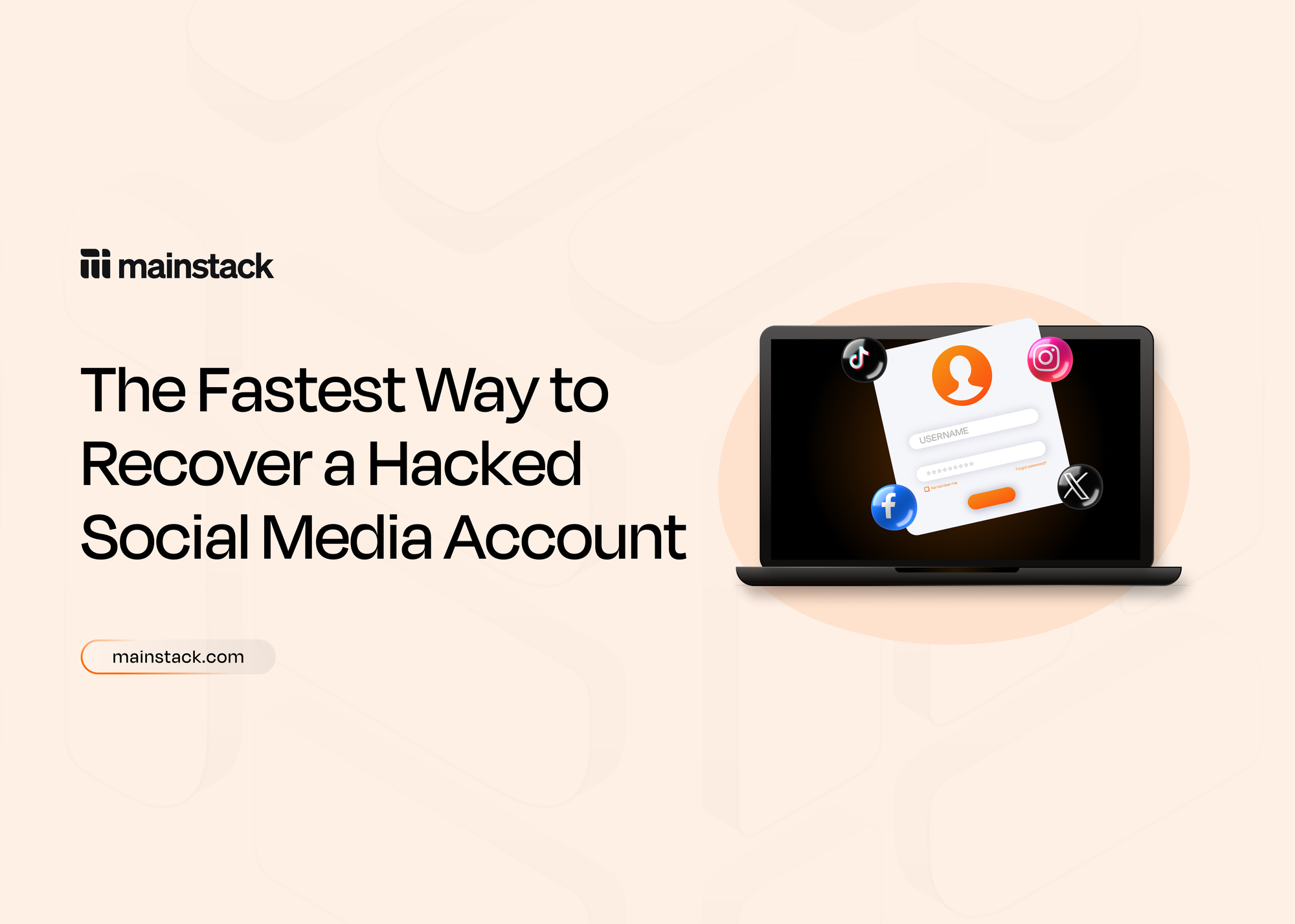
The Fastest Way To Recover A Hacked Social Media Account
You may have heard from a friend or acquaintance that someone’s social media had been hacked, probably a celebrity, and you might think it’s something that doesn’t happen so often. But according to Station X over 1.4 billion social media accounts are hacked monthly, and since more accounts are being opened every year, the number will continue to rise.
Nobody is perfect, and anyone can fall victim to this attack, which is why when it happens, you need to take quick, decisive steps to ensure you can recover your information and data on your social media account. This article guides you step-by-step through the fastest recovery path, from identifying common hacking practices, verifying unexpected changes, locking out intruders and fortifying your account to prevent future incidents.
How Your Social Media Can Get Hacked
There are common practices hackers use to gain access to your social media accounts. These are:
- Phishing: Hackers frequently employ this method to access social media accounts. This method tricks consumers into entering their login credentials on a phoney login page by sending them phoney emails or messages that seem authentic. Phishing links frequently take users to phoney websites that mimic social media login pages. So before you enter any information, always remember to double-check the URL to be sure.
- Brute Force Attacks: Using automated tools, hackers attempt different password combinations in a brute force assault until they discover the right one. This works particularly well for accounts with weak security, like those with easy-to-guess or widely used passwords. (Take this as a hint to stop using 1234 as your password)
- Malware and spyware: It can be put on a user's device via malicious downloads or fraudulent websites. These programs can collect login details and other sensitive data, allowing hackers to get access to your accounts. Keyloggers, for example, can be installed using social engineering techniques or by abusing weak browsers when a person visits a malicious website.
- Social engineering attacks: These entail tricking people into disclosing confidential information. This can involve pretending to be a friend or a trustworthy person in order to deceive you into disclosing your passwords or other sensitive information. Social engineering attacks may also include clicking on links in phishing emails or visiting malicious websites, which can result in the installation of keyloggers or other malware.
How to Prevent and Recover Your Social Media Account
1. Spot Signs of Compromise Quickly
Notice suspicious activity such as unfamiliar posts, DMs sent without your knowledge, or changes to your login details. Some platforms alert you when account information, such as your email or passwords, has been changed. Recognising these early signs lets you act before permanent damage happens.
2. Use Account Recovery Links or Codes Immediately
The next step to take is to look for emails from your social media account that alert you to changes. Anytime a login is made on another device, an e-mail will be sent to verify if it was you logging in to that account. If it wasn't, you can always click "secure your account" to revert those changes.
If the login fails, select the "Forgot password?" or “Get help logging in” option, then request a login link or security code to your registered contact method. If that doesn’t work, tap "Need more help?" and follow identity verification via email, phone, or selfie video. Some social media platforms may ask for visual confirmation to confirm ownership.
3. Contact Platform Support If Self-Recovery Fails
If the procedure taken to recover your social media account was not enough, submitting a recovery request accelerates the process. Send an email to the social media account team in question and make sure to provide all relevant details, such as your username, linked email, phone, or recovery code. Always be ready to answer questions about how you accessed the account originally or the devices used.
4. Use Specialised Recovery Tools
Instagram has introduced recovery platforms—accessible without signing in—that verify identity using trusted contacts or uploaded documents. Facebook may prompt you for a video selfie for identity confirmation, designed to speed up the recovery process.
5. Regain Access, Then Fortify Security
Once access is restored:
- Change your password immediately to a strong, unique one.
- Enable two-factor authentication to prevent future intrusions.
- Review recent login activity and log out of any suspicious sessions.
- Check and revoke access for unrecognised third-party apps.
6. Prevent Future Hacks
Hacking often starts with phishing or weak password practices. Stop phishing attacks by avoiding suspicious links and verifying senders. Use a password manager to reduce reuse and simplify strong password creation. Prioritise recovery tools in advance (e.g., backup codes) as preparation for a rapid response if hacking happens again.
Regaining control of a hacked social media account requires urgency. You would need to spot the breach, lock it down, restore access, and then strengthen your defences. Whether you use recovery links, codes, identity verification, or photo ID, acting quickly makes all the difference. Once restored, remember to update your security with a strong password, two-factor authentication, and a review of active sessions and apps. Your recovery experience also makes you better prepared. A few smart safeguards today ensure your social media presence and information are secure for tomorrow.
Sources
Top Social Media Hacking Statistics 2025
Ultimate Guide to Social Media Hacking: Protect Your Accounts Now